
Research-based guide
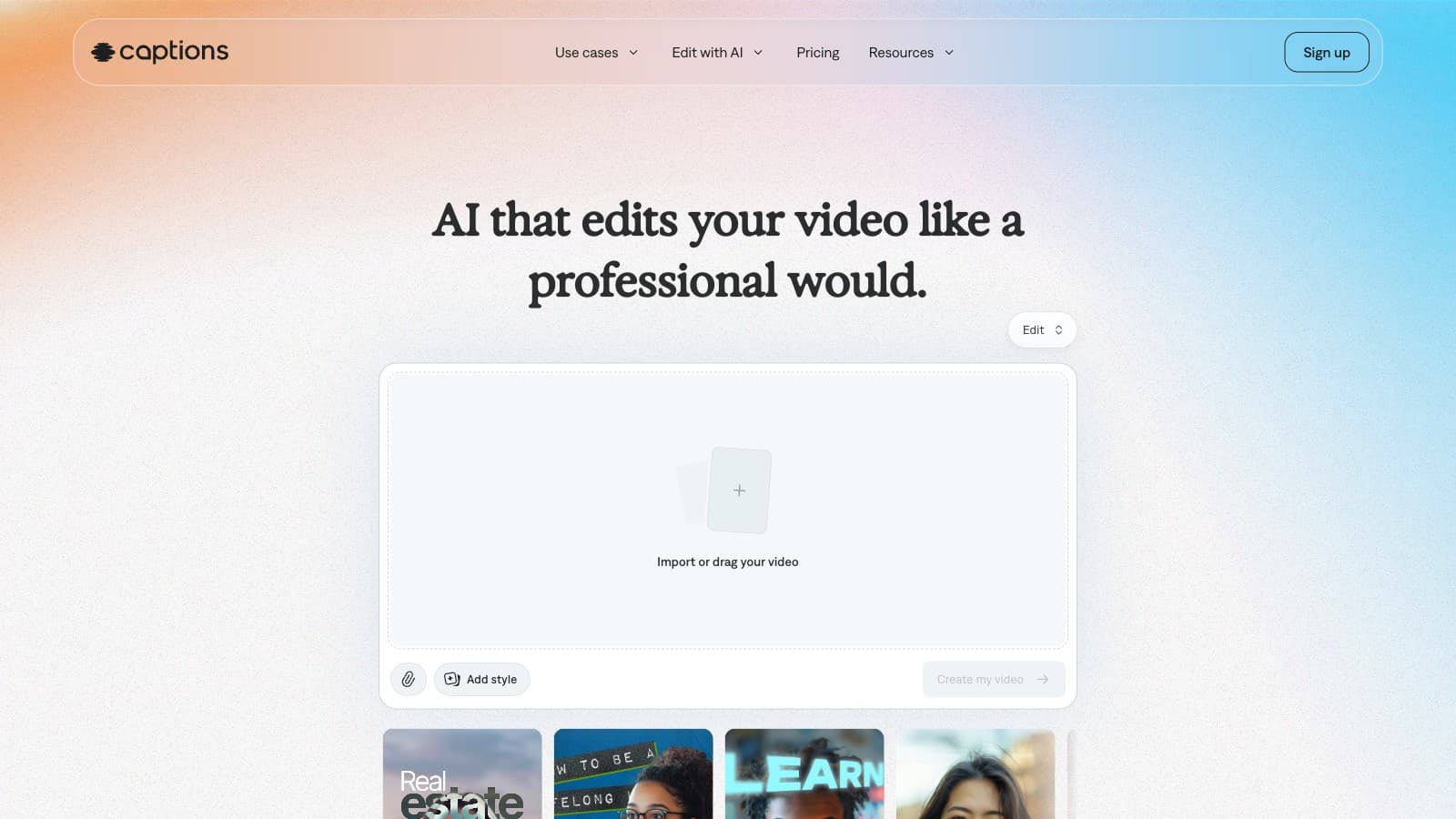
Captions
Caption editing, generated actors, AI edits and long-video clips; public USD prices explicitly describe iOS plans.
Automatic caption generators with animated templates, emoji placement, and word-level timing. Key category for short-form — review words and timing before publishing.
6 matching tools
Caption editing, generated actors, AI edits and long-video clips; public USD prices explicitly describe iOS plans.

Remote recording, text-based editing, clips, hosting and publishing for podcasts and video.
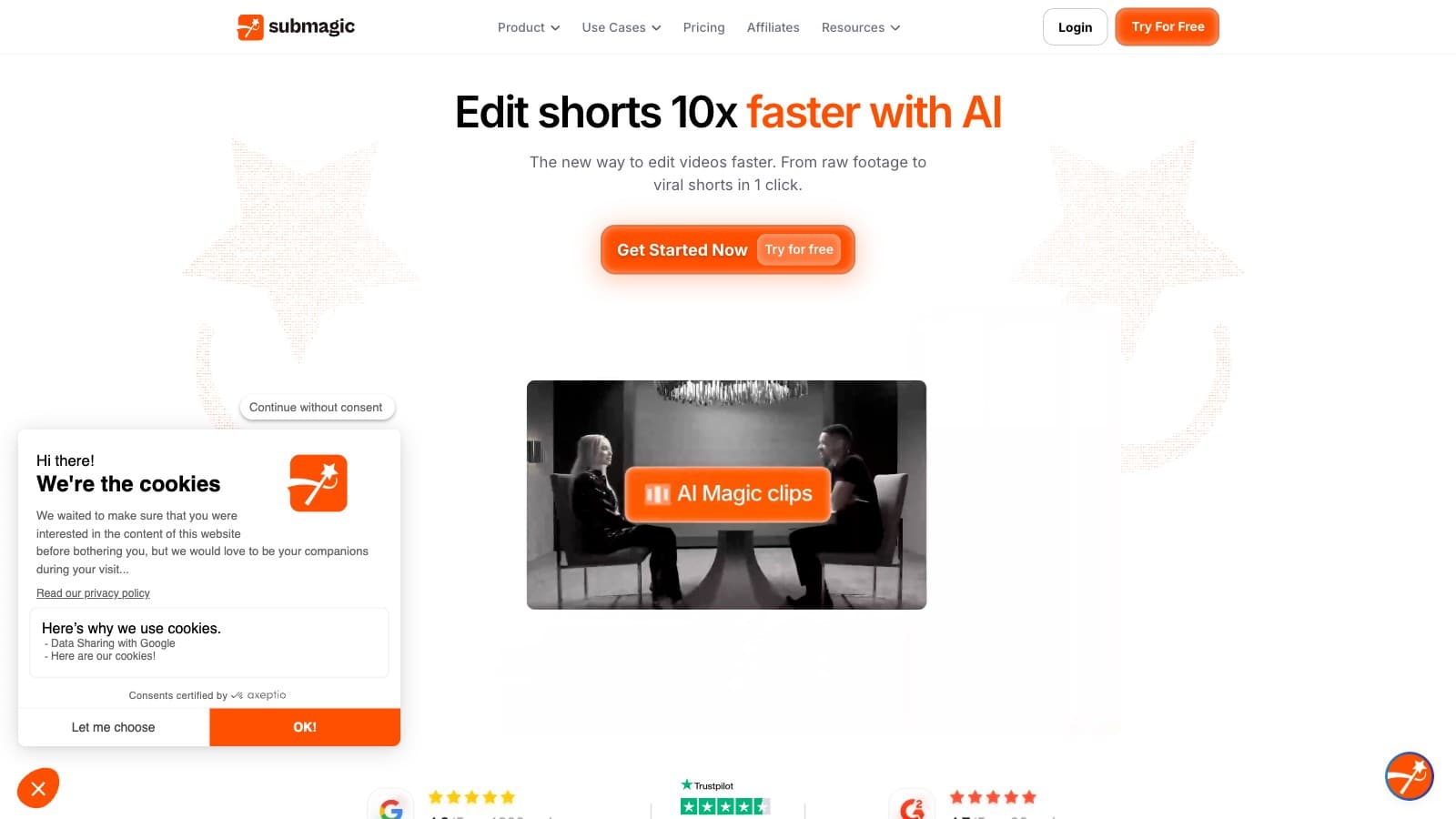
AI captions, short-video editing and long-video clipping, with plans limited by videos, duration and credits.

Online video editing with subtitles and AI creation tools, with exports and paid features depending on the selected plan.
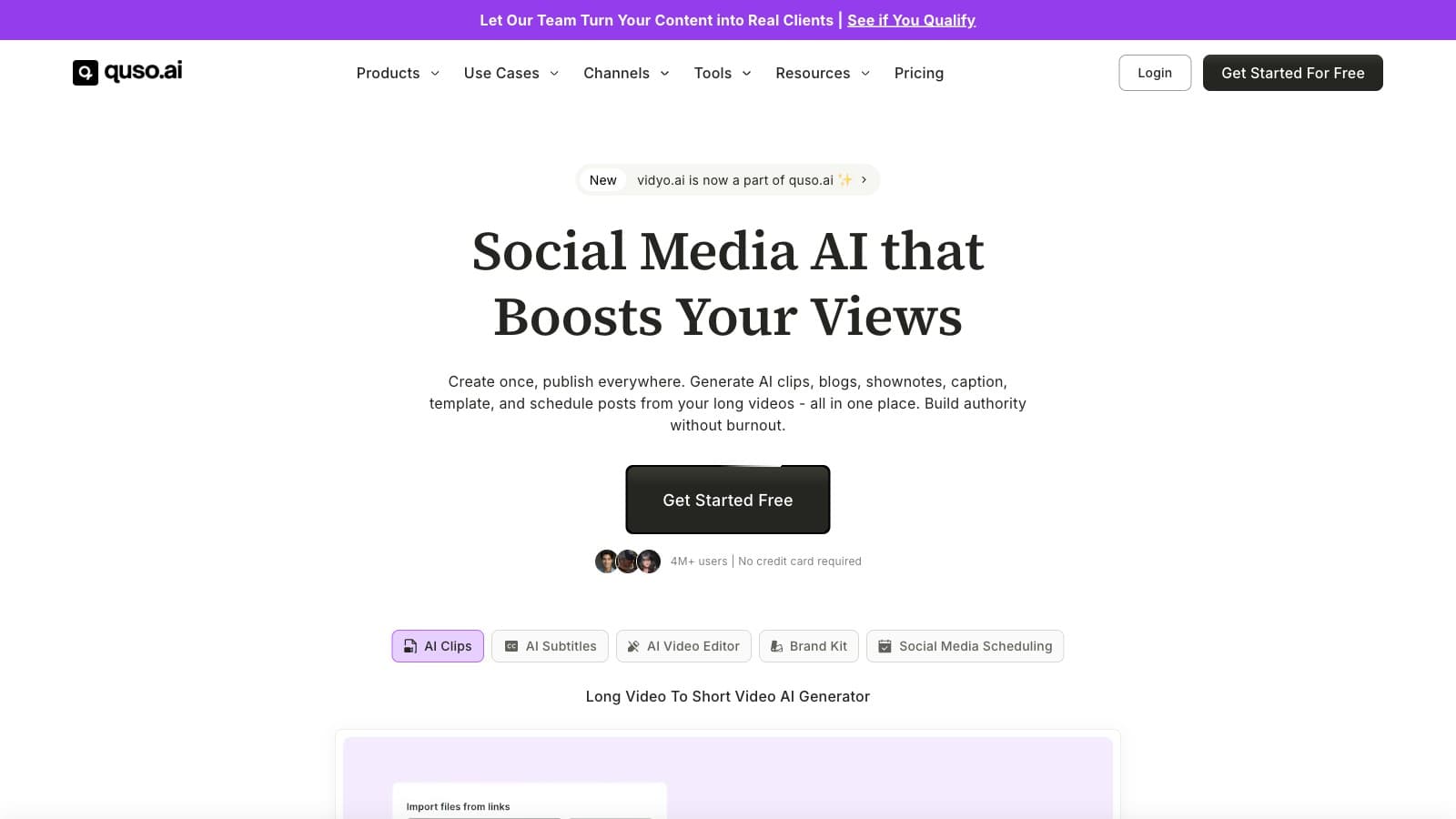
Combines AI video clipping and caption editing with content planning, scheduling and analytics on eligible plans.

Finds clips in longer recordings and provides caption editing, video exports, scheduling and API automation.

Descript vs Riverside on remote recording, editing, current plans and publishing. Compare the workflow overlap and avoid paying twice for the same job.
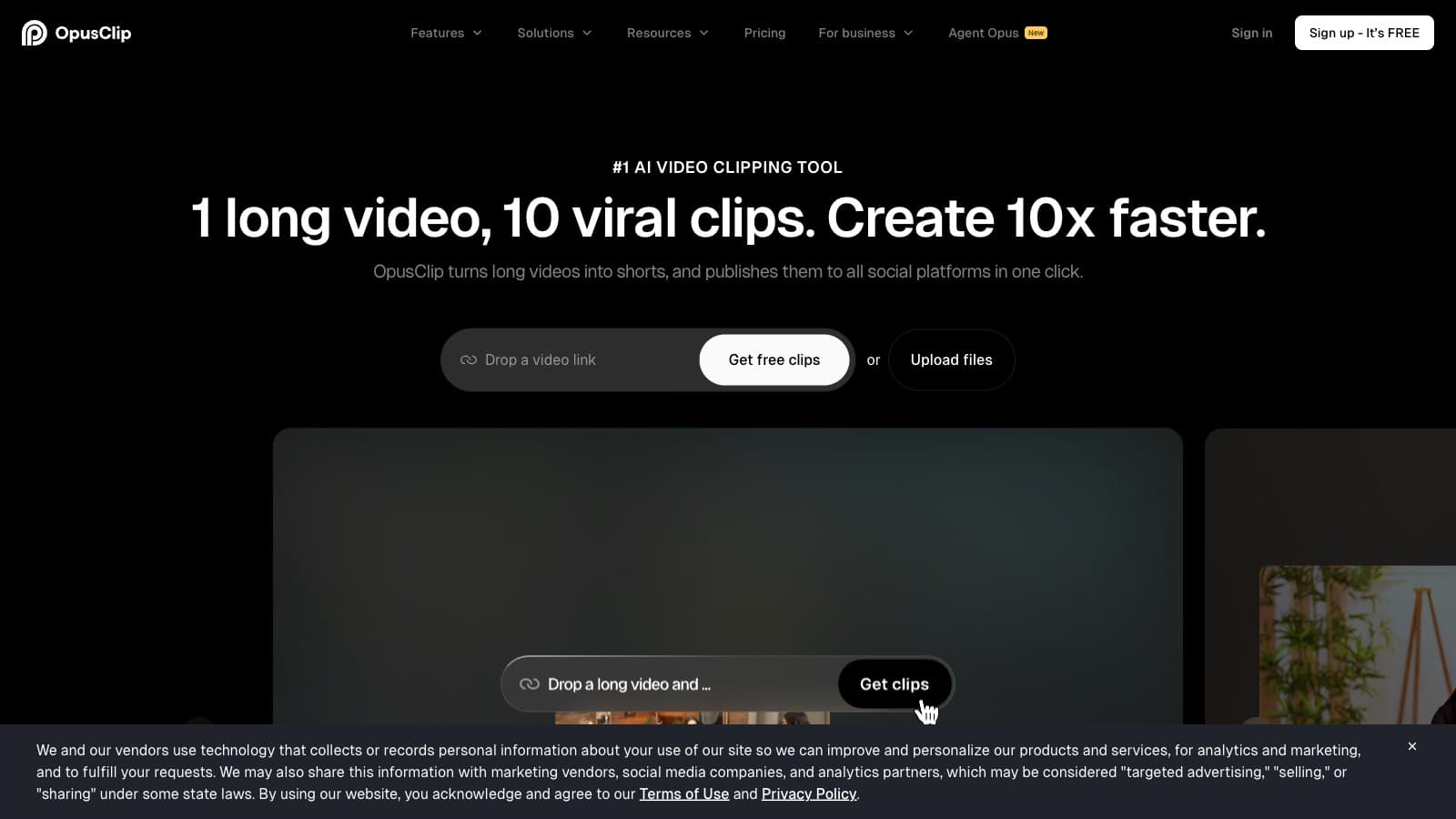
Opus Clip and Submagic compared using current official plans, with clear billing periods, workflow tradeoffs and a practical test for long-video clips.
Opus Clip and Vidyo.ai, now Quso.ai, compared using current public prices, credits and scheduling plans. Includes billing differences and source conflicts.

Pictory and Vizard compared for scripts, recorded video, clipping and automation. Verified plan limits and a clear disclosure of unverified Vizard pricing.
Compare Submagic and Captions by current plans, clipping, editing and platform fit, with billing caveats and a practical checklist for your own footage.
Choose an AI captioning tool by your existing editing workflow, export needs and actual workload, using current official sources instead of quality scores.