Best of · 11 min read
Best AI Captioning Tools for Creators in 2026
The best AI captioning tools for 2026, ranked for solo YouTubers and short-form creators. Honest picks for brand-match, budget, avatars, and podcast editing.
- Published
- Tools covered
- 4
Disclosure: Some links below are affiliate links. If you sign up through one we may earn a commission — at no extra cost to you. We'd write the same roundup without them.
We earn a commission when you sign up through some of the links below (Submagic and Opus Clip). Captions and Descript are linked plainly — one has no public affiliate program, the other is pending approval. Commission doesn't change what we write. If a cheaper tool wins for your use case, we'll say so.
Every short-form tool now has "AI captions." Most of them are fine. What separates them is not transcription accuracy (all four tools here are 95%+ on clean English audio) — it's what you can do with the captions after, how much you pay, and what else the tool tries to sell you on the way to the export button.
We tested all four against the same 12-minute podcast clip and a 45-second iPhone vertical. Below is the honest ranking for working creators in 2026.
Quick picks
| Tool | One-line take | Annualized price | Rating | Best for |
|---|---|---|---|---|
| Submagic (Pro) | Best caption customization and brand-match on the market | $468/yr ($39/mo) | 4/5 | Brand-conscious creators editing in CapCut/Premiere |
| Captions (Pro) | Cheapest watermark-free caption tier, no AI gimmicks | $119.88/yr ($9.99/mo) | 4/5 | Phone-first creators on a budget |
| Captions (Max) | AI Twin / AI Actors is the real product | $299.88/yr ($24.99/mo) | 4/5 | UGC ad creators who need generative avatars |
| Descript (Creator) | Transcript-editor that happens to do captions | $420/yr ($35/mo) | 4/5 | Podcasters and long-form talking-head creators |
| Opus Clip (Pro) | Formulaic captions as a by-product of clipping | $348/yr ($29/mo) | 4/5 | Long-form creators who need auto-clipping first |
Annual math: monthly × 12 shown. Some tools offer 20–50% off if you pre-pay — details in each section.
Our top pick: Submagic
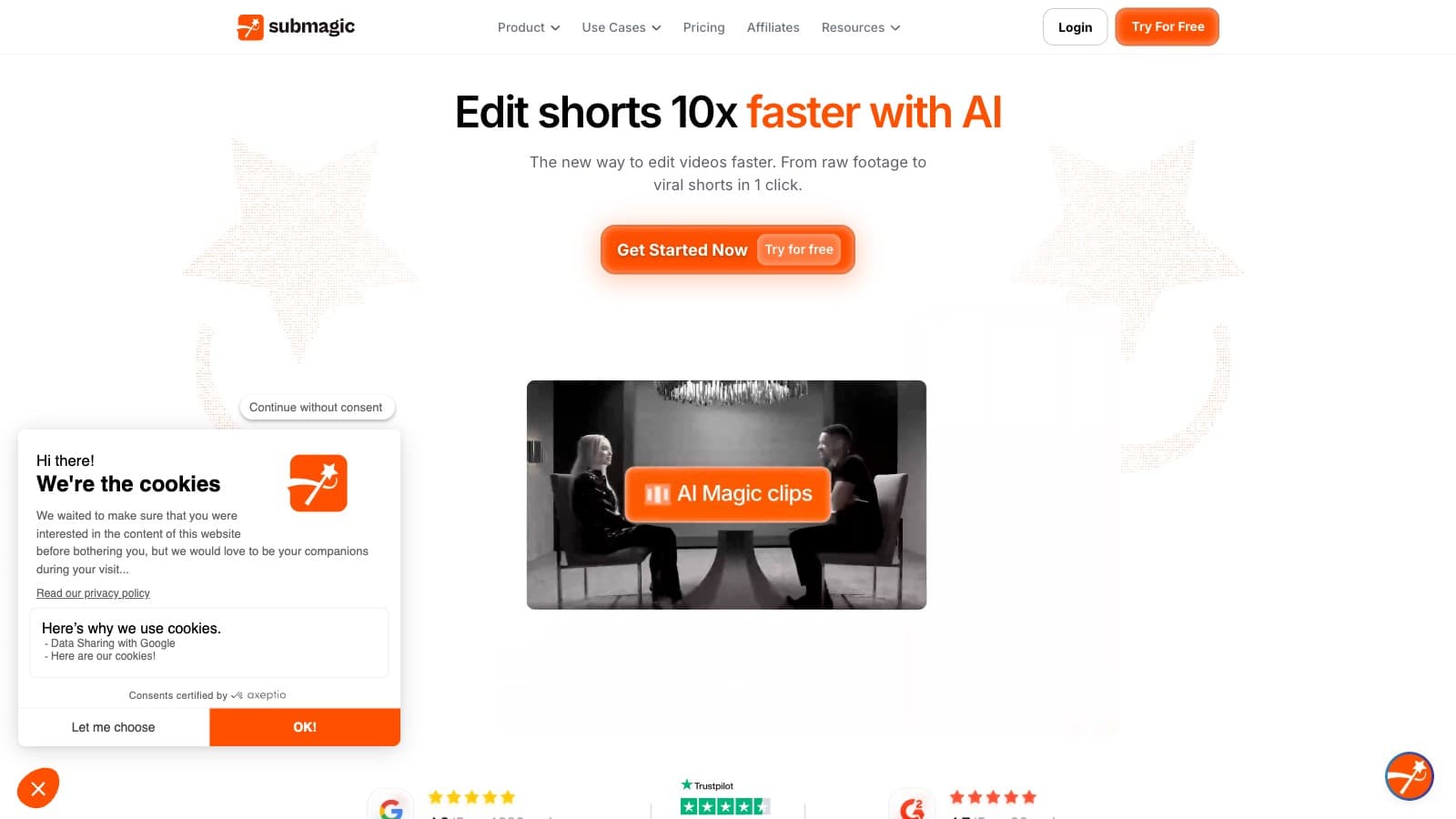
For the creator who wants captions as the main job and cares about how the final video looks, Submagic Pro at $39/mo is the right answer. It wins on the one thing that actually differentiates caption tools in 2026: you can make the output look like your videos, not like every other TikTok.
Why it wins. Submagic has the deepest caption customization we've tested. Twenty-plus animated templates, full font upload, color palette control, position presets, brand kit — saved once, applied to every export. Captions' Pro tier is cheaper at $9.99, but you get "100+ templates" with less granular control. Opus Clip's captions are locked to a narrow viral-TikTok aesthetic. Descript's captions are fine but feel like an afterthought next to its transcript editor. Submagic is the only one that treats the caption layer as the product.
Who it's for. Short-form creators with a visual identity — your thumbnails match, your channel art matches, you want captions to match. Also multilingual creators: Submagic translates into 50+ languages and the output in Spanish, Portuguese, and Mandarin is noticeably better than Opus Clip's on the same source.
The real cost. Starter at $19/mo is enough if you publish up to ~1 video/day and keep clips under 5 minutes. Pro at $39/mo is the true creator default — 150 videos/mo, 15-minute length cap, two seats. The trap is Magic Clips: Submagic's long-form-to-shorts feature is a +$19/mo add-on, not bundled. If you need both clipping and captions, Pro + Magic Clips is $58/mo — at which point running /api/go/562c8ffec29affc0 ($29) for clips and /api/go/434fec2688d0ce8e Starter ($19) for caption polish is $48/mo with the same outcome. Only buy bundled Submagic if managing two tools wastes more time than $10/mo is worth.
Runner-up: Captions Pro at $9.99/mo. If your videos don't need brand-exact typography and you shoot from phone, the price-to-feature ratio is unbeatable. Submagic wins on polish; Captions wins on cost.
Start your free 3-video Submagic trial
Full walkthrough: Submagic review.
Best on a budget: Captions (Pro)
If your budget is tight and you mostly need watermark-free captions with respectable customization, Captions Pro at $9.99/mo is the cheapest credible tool in this category. No generative-AI credits are included at this tier — that's fine, because captions don't need them. You get 100+ caption templates, basic editing (trim, transitions, sound effects), and exports to TikTok/Reels/Shorts without a watermark.
The honest warning: Captions' pricing page explicitly notes "features and prices reflect iOS plans only" and the company hides annual pricing inside the App Store flow. There's a yearly discount; the amount isn't published on the web. If you're Android-first or desktop-first, check before you subscribe.
Compared to Submagic Starter ($19/mo), Captions Pro is roughly half the price for a similar "captions only" job. You trade caption-customization depth and multilingual polish for cost savings. For a phone-first creator starting out, that's the right trade.
Full walkthrough: Captions review. Head-to-head: Submagic vs Captions.
Best for AI actors and avatars: Captions (Max)
This is the niche slot. If you're making UGC-style ads and need generative avatars that look like real presenters, Captions Max at $24.99/mo is the only mainstream tool bundling selfie-trained AI Twin, AI Actors, chat-based editing, and 500 generative credits at this price point. HeyGen and Synthesia cost more and target enterprise. Submagic doesn't do avatars at all.
The caveat is the credit economics. Captions publishes "500 credits/mo" on Max but never tells you how many credits one AI Twin render, one AI Lipdub, or one AI Edit actually costs. Real-world usage reports on Reddit describe burning through 500 credits in a single session involving AI Twin + B-roll. Budget for Scale ($69.99/mo, 1,400 credits) if you plan to run avatar ads at volume — and consider the $279.99/mo Scale 4x tier a warning sign about how Captions treats heavy users.
For pure caption work, don't pay for Max. Max exists for the avatar workflow, and only that.
Full walkthrough: Captions review.
Best as a by-product of editing: Descript
If you're already editing transcripts — for a podcast, a long-form YouTube talk, a newsletter-adjacent video — Descript's built-in captions are good enough that you shouldn't buy a separate caption tool. You're paying $35/mo for Descript Creator anyway to get transcript-first editing, filler-word removal, Studio Sound, Overdub voice cloning, and stock media. Captions come with it.
What you give up: caption customization is shallower than Submagic and templates are fewer than Captions. You can change font, size, color, and position — enough to look professional, not enough to nail a specific brand aesthetic. If captions are the only thing you need, Descript is overkill.
What you gain: one tool instead of three. Your edit, your captions, your dub, your export — all in the same transcript view. For podcasters cutting down 60-minute recordings, that's worth more than caption template depth.
The 10-hour/month cap on Hobbyist ($24/mo) runs out fast for weekly shows. Creator ($35/mo) at 30 hours is the real tier. Head-to-head recording workflow comparison: Descript vs Riverside.
Full walkthrough: Descript review.
Honest mention: Opus Clip
Opus Clip's built-in captions are fine. They're not the reason to buy Opus Clip — the reason is auto-clipping from long-form video. If you're turning a weekly podcast or interview into short-form clips, Opus Clip Pro at $29/mo does clip-selection, vertical reframing, and caption burn-in in one pass. The captions follow a formulaic viral-TikTok style that you cannot meaningfully customize. Speaker-based caption colors and the full template library unlock at Pro+ only.
Don't buy Opus Clip for the captions alone. At $29/mo you could get Captions Pro ($9.99) + another $19 for something else with actual caption control. Buy Opus Clip if clipping is the primary job and you're willing to accept captions that look like every other Opus Clip output.
Opus Clip also pairs well with Submagic: Opus for the clip selection, Submagic Starter for re-captioning with your brand style. Total: $48/mo for the full pipeline. Head-to-head: Opus Clip vs Vidyo.ai, Opus Clip vs Munch.
Full walkthrough: Opus Clip review.
Also considered
CapCut's built-in captions. Free. Decent. If you edit in CapCut anyway and brand consistency doesn't matter, stop reading this article and use them. The only reason to buy a dedicated caption tool is if CapCut's output looks generic on your specific videos — which it will if you're building a recognizable visual brand.
VEED. VEED does captions among a hundred other features. It's a Swiss army knife — caption quality is fine, customization is shallower than Submagic, price creeps up once you want watermark removal. Reasonable if you already use VEED for other editing tasks. Not worth switching to for captions alone.
Vizard. Similar story to Opus Clip — clip-first, captions as a by-product. Slightly cheaper entry tier. See our Pictory vs Vizard comparison if you're evaluating clip-first tools.
Pictory. Built for turning blog posts and scripts into videos with stock footage and captions. Different job-to-be-done than the tools above. Worth a look if you're a newsletter writer trying to repurpose into video, not if captions are your primary need.
How to choose
Run through these four questions in order. The first "yes" tells you which tool to pick.
- Am I editing transcripts already (podcasts, long-form talks)? → /api/go/1ec685e7c747f04b. Don't buy a separate caption tool.
- Do I need AI avatars / AI Twin / generative UGC actors? → Captions Max at $24.99/mo. Nothing else at this price point does it.
- Is caption brand-match (custom fonts, colors, multilingual polish) the reason I'm shopping? → /api/go/434fec2688d0ce8e Pro at $39/mo. This is what it's built for.
- Is budget the top constraint and brand-match nice-to-have? → Captions Pro at $9.99/mo. Best price-to-output in the category.
Edge case: If you need captions and long-form-to-shorts clipping, don't buy Submagic's Magic Clips add-on ($58/mo bundled). Run /api/go/562c8ffec29affc0 Pro ($29) + /api/go/434fec2688d0ce8e Starter ($19) for $48/mo and better output. Two tools, $10 cheaper, worth the extra tab.
Bottom line
Submagic is the best caption tool in 2026 for creators who care what the captions look like. Captions is the right answer for phone-first creators on a budget — and it's the only tool in the category with credible AI avatar generation at the $24.99 tier. Descript includes captions that are fine as part of a transcript-editor workflow you're already paying for. Opus Clip's captions are a by-product of its clipping product; don't buy it for the captions. None of these tools is a skip — they serve genuinely different creator personas, and the right choice is determined by which job you're hiring the tool to do.
FAQ
What's the cheapest watermark-free AI caption tool in 2026? Captions Pro at $9.99/mo. It has no generative-AI credits, which is fine if all you want is captions. Submagic Starter at $19/mo is the next step up and adds deeper customization plus a brand kit.
Does Submagic include long-form-to-shorts clipping? No — not by default. Magic Clips is a $19/mo add-on on top of any plan. Pro + Magic Clips is $58/mo total. If clipping is your primary need, Opus Clip Pro at $29/mo is cheaper and better at clip selection.
Is Captions' AI Twin worth paying for? Only if you're making UGC-style ads or faceless content where an AI presenter replaces you on camera. For pure caption work, Captions Pro at $9.99/mo is enough. AI Twin lives on the Max tier at $24.99/mo.
Can I use Descript just for captions? You can, but you'll be paying $24–$35/mo for a full transcript editor when a dedicated caption tool like Submagic Starter ($19) or Captions Pro ($9.99) does the caption job better. Descript's captions make sense when you're already editing transcripts for other reasons.
Do any of these tools support non-English captions well? Submagic is the strongest for translated captions — 50+ languages with publication-quality output in Spanish, Portuguese, French, German, and Italian. Captions claims 100+ languages and is competent. Opus Clip's multilingual captions trail both. Descript translates and dubs on Business tier ($65/mo) if that's a feature you need bundled with editing.
Is there a tool in this list I should skip entirely? No. All four serve distinct personas — Submagic for brand-match captions, Captions for budget and avatars, Descript for transcript-edited long-form, Opus Clip for clip-first workflows. Pick based on which job dominates your week, not which tool has the longest feature list.
Common questions
Questions people ask.
- Is Submagic still worth $39/mo in 2026?
- Only if captions are the main job and brand-match matters. On Pro you get 150 videos/mo, 15-minute length cap, full font upload, and a brand kit that actually sticks across exports. If your videos don't need exact typography, Captions Pro at $9.99/mo does 80% of the job for a quarter of the price.
- What's cheaper than Submagic without dropping to free?
- Captions Pro at $9.99/mo is the cheapest credible paid tier — 100+ templates, watermark-free export, no AI gimmicks included. Heads-up: their pricing page notes iOS-only and the annual discount is hidden inside the App Store flow. Check before subscribing if you're desktop or Android-first.
- How do I pick between Submagic and Captions?
- Visual identity test. If your thumbnails, channel art, and brand colors are dialed in and you want captions that match, Submagic wins — its font upload and brand kit are deeper. If you're phone-first, still figuring out your look, or under 10K subs, Captions Pro at $9.99 is the honest answer and you can upgrade later.
- Do I need a caption tool if Opus Clip already adds captions?
- Not as a second subscription. Opus Clip's caption output is formulaic — fine for generic TikTok-style clips, weak if you want channel-specific polish. The split that works: Opus Clip Pro $29 for clipping, Submagic Starter $19 for caption polish on your hero shorts. That's $48/mo and beats Submagic's bundled Magic Clips at $58/mo.
- Which caption tool should I start with as a beginner?
- Captions' free tier for a week to learn the workflow, then Captions Pro at $9.99/mo once you need watermark-free exports. Only jump to Submagic when you can point at a style guide — specific font, hex colors, position — that the cheaper tools can't execute. Buying Submagic before you have that guide wastes the $30/mo premium.
New roundups every month.
Get them in your inbox.
Subscribe to CreatorStackKeep reading
- Review
Captions Review: The cheapest caption app, until you want the AI features
- Review
Descript Review: The transcript-first editor earning its cult following
- Review
Opus Clip Review: Fastest auto-clipper, at the cost of a generic look
- Review
Submagic Review: Best-in-class captions, the clipper is a paid add-on