Head-to-head · 13 min read
Opus Clip vs Munch: Which one should you actually buy?
Opus Clip vs Munch compared on pricing, clipping quality, and auto-publishing. Opus is the $29 pure clipper; Munch is the $38-$60 done-for-you autopilot.
- Published
- Our default pick
- Opus Clip
Disclosure: Some links below are affiliate links. If you sign up through one we may earn a commission — at no extra cost to you. We'd write the same comparison without them.
We earn a commission if you sign up through our Opus Clip links. Munch has no public affiliate program, so our link to it is a plain referral. Neither relationship changes what we write — we'd tell you the same thing either way.
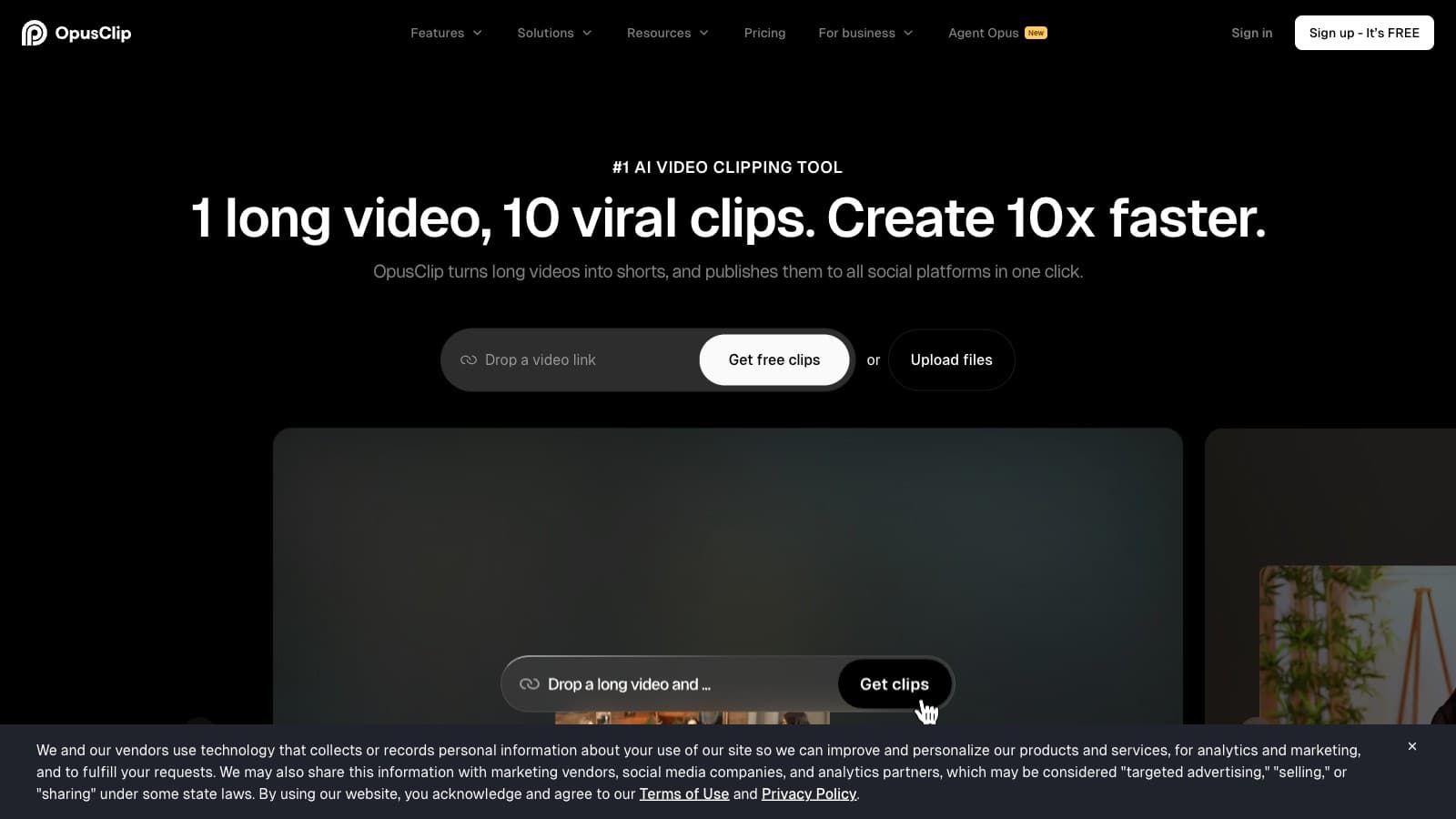
Opus Clip and Munch both get pitched as "AI video clippers," and three years ago they were direct competitors on getmunch.com vs opus.pro. That's not the fight anymore. Opus Clip doubled down on being the fastest long-form-to-shorts engine on the market. Munch pivoted: getmunch.com now 301-redirects to munchstudio.com, and the tagline is "Your Social Media — Done For You." Clipping is still in there, but it's now a supporting feature inside a content-strategy-plus-auto-publishing suite.
That pivot is the whole comparison. Whether Munch is worth 2-3x the Opus Clip price depends entirely on whether you actually use the autopilot layer.
We've used both tools on our own workflows. We haven't yet put them through a controlled side-by-side on the same source file in a single test — this is a spec-plus-usage comparison, not a lab bench. Where that matters, we'll flag it.
TL;DR
| Criteria | Opus Clip | Munch |
|---|---|---|
| Permanent free tier | Yes, watermarked, indefinite | No — 7-day trial only |
| Cheapest watermark-free tier | Starter $15/mo ($12 annual) | Essential $48/mo ($38 annual) |
| Realistic creator tier | Pro $29/mo ($19 annual) | Essential $48/mo ($38 annual) |
| Monthly source-minute cap (creator tier) | 300 credits / ~5 hrs | 500 minutes / ~8.3 hrs |
| Cost per hour of source (creator tier, annual) | ~$3.80/hr | ~$9.50/hr |
| Clip selection speed | Under 5 min for a 45-min podcast | Comparable, not the headline |
| Caption customization depth | Shallow, formulaic | Shallow, formulaic |
| Virality score per clip | Yes (Pro+) | Not surfaced |
| Reprompt clipping to refine results | Yes (Pro+) | Not offered |
| Auto-publishing to social platforms | No (Zapier on Pro+) | Yes, native to 7 platforms |
| Content strategy / calendar generation | No | Yes, Smart Content Planner |
| AI-generated post ideas | No | 5 fresh video ideas/week |
| Agency / seat management | Business tier exists | Not publicly listed |
| Published affiliate program | Yes (~20% recurring, 12 mo) | None discoverable |
Bolded cells mark the tool that wins the row.
Pick one in 30 seconds
- Opus Clip Starter ($15/mo) if you post weekly and you just want shorts out the door. Cheapest real entry point.
- Opus Clip Pro ($29/mo) if you post more than twice a week, care about reprompt and virality score, or need Zapier to push clips into your own scheduler.
- Munch Essential ($38/mo annual) if you're a solopreneur who will genuinely use the auto-publishing to TikTok, Instagram, LinkedIn, YouTube, and won't touch social otherwise.
- Munch Premium ($60/mo annual) if you post daily and want a single bill for clipping, scheduling, and a content strategy.
- Neither if your clips need strong brand matching on fonts and colors — that's /api/go/434fec2688d0ce8e's job, not either of these.
Where Opus Clip wins
Price per hour of source, by a wide margin. Opus Clip Pro at $29/mo (roughly $19/mo on annual) gives you 300 credits — one credit per minute of source video — which is about 5 hours of source per month. Munch Essential at $38/mo annual gives you 500 minutes, or about 8.3 hours. On the surface Munch's bigger cap looks better, but Opus is charging roughly $3.80 per hour of source processed. Munch is charging roughly $9.50. For pure clipping throughput, Opus is 2.5x cheaper.
A free tier that actually lets you evaluate. Opus Clip has a permanent free plan with 60 credits per month and a watermark. You can test it on three real podcast episodes before paying anyone a cent. Munch's "Free" plan is a 7-day trial, so the moment you're busy with a launch week, your evaluation window closes on you. For any creator doing side-by-side testing, this alone tilts the trial experience toward Opus.
Reprompt clipping and virality score. Pro-tier Opus Clip gives every clip a 1-100 virality score, which is a useful first-pass filter for deciding which three clips out of twelve to actually post. More importantly, if Opus picks the wrong five seconds, you can reprompt the model to find a different boundary without re-uploading the source. Munch doesn't surface either feature — the clipping engine is there, but it's no longer where the product invests.
Speed as the headline feature. A 45-minute podcast turns into 8-12 vertical clips in under 5 minutes on Opus. Munch's clipping is competent but not promoted as a speed advantage; the product page leads with content strategy and auto-publishing, not throughput. If your weekly rhythm is "record Monday, post Tuesday morning," Opus is built for that cadence.
Agency and Zapier integration. Opus Clip's Business tier exists for multi-seat agency setups and lifts the 300-credit cap for Zapier integration — which means for a social agency you can wire clips into a Buffer or Later queue and ship at volume. Munch publishes only three tiers, none of them multi-seat, which pushes a three-person team into a "contact sales" conversation that may or may not end cheaply.
A real affiliate program. Opus runs a partner program (reported ~20% recurring for 12 months on PartnerStack — verify at signup). Munch has no publicly visible affiliate program, which is why our link to them is an unaffiliated homepage link. That matters for creators who recommend tools to an audience.
Where Munch wins
The entire auto-publishing layer. This is the one place Opus Clip simply does not compete. Munch natively publishes to TikTok, Instagram, YouTube, LinkedIn, X, Facebook, and Threads. You connect accounts once, approve each post in a queue, and Munch handles the scheduling and distribution. Opus Clip exports MP4s and leaves you to upload. If you already spend $29 on Opus Clip plus $15 on Buffer plus time writing captions manually, Munch is a stack consolidator — one bill instead of three.
Smart Content Planner and 5 fresh video ideas per week. Paste your website URL and Munch reads your business context, builds a tailored content strategy, and feeds you 5 ready-to-shoot video ideas every week. For a service-business owner — a coach, a physiotherapy practice, a local SaaS — who has been told for three years to "post on social" and never does, this is the actual job-to-be-done. Opus Clip has no equivalent. It clips what you give it; it does not tell you what to make.
Minutes cap is bigger on paper. Essential's 500 minutes per month is roughly 8.3 hours of source — enough for two 60-minute podcasts every week with a buffer. Opus Clip Pro caps at 300 credits (~5 hours). If you're a heavy podcaster with weekly 2x 60-minute episodes, you'll blow through Opus Pro's 300 credits by week three and get pushed into a conversation about Business pricing. On Munch Essential you have room.
A single dashboard for cross-platform performance. Because Munch owns the publishing step, it reports performance across all seven connected platforms in one view. Opus Clip doesn't even see where your clips end up. For a solo creator who wants to know whether LinkedIn or TikTok is actually moving the needle for their business, that feedback loop only lives in Munch.
Zoom recording import is native. Munch explicitly supports Zoom recording imports and website content as clip source material. Opus supports generic video upload, but Munch's integration story is set up for the exact workflow of a coach or consultant whose long-form assets are webinars and Zoom calls rather than produced video.
Pricing side-by-side with annual math
Monthly and annualized cost, with the per-hour-of-source math for each tool's "creator default" tier:
| Tier | Opus Clip | Munch |
|---|---|---|
| Free | Permanent, 60 credits/mo, watermark | 7-day trial, 5 GB storage |
| Entry paid | Starter — $15/mo ($144/yr, ~$12/mo annual) | Essential — $48/mo ($456/yr, ~$38/mo annual) |
| Creator default | Pro — $29/mo ($228/yr, ~$19/mo annual) | Essential — $48/mo ($456/yr, ~$38/mo annual) |
| Heavy volume | Business — custom | Premium — $75/mo ($720/yr, ~$60/mo annual) |
| Source capacity (creator tier, annual) | 300 credits (~5 hrs/mo) | 500 mins (~8.3 hrs/mo) |
| Cost per hour of source (annual billing) | ~$3.80/hr | ~$9.50/hr |
| Annual discount vs monthly | ~34% off on Pro | ~21% off on Essential |
Two things worth flagging.
Munch's $9.50/hr isn't actually overcharging for clipping — it's charging for the bundle. You are paying roughly 2.5x Opus Clip Pro's per-hour rate, and that premium buys you auto-publishing to seven platforms plus the Smart Content Planner plus fresh video ideas plus cross-platform analytics. That's a reasonable trade if you'll use those layers. If you won't, you're overpaying.
Opus Clip's annual pricing is an unusually large discount. Pro at $228/year works out to $19/mo, versus $29/mo on monthly billing. That's roughly 34% off — bigger than the typical 15-25% SaaS annual discount. If you're confident Opus Clip fits, annual billing genuinely saves real money. But Opus does not pro-rate refunds cleanly, so verify fit on the free tier first.
The "both tools" scenario. If you want best-in-class clipping plus auto-publishing on a budget, stack Opus Clip Starter ($15) plus Buffer's Free or Essentials tier ($6). You'll get better clipping than Munch ships, you'll schedule to your own platforms, and you're at $21/mo instead of $38. This works for creators who are happy to do a little stack assembly. For creators who hate stitching tools together, Munch's single-bill story has real value.
Things both tools get wrong
Caption customization is shallow on both. Opus clips tend to look like Opus clips. Munch's clipping engine ships similarly generic caption styles and isn't where the product invests anymore. If caption brand-matching matters to you — custom fonts, your channel's color palette, consistent position — neither is the right primary tool. /api/go/434fec2688d0ce8e is purpose-built for that.
Non-English transcription drops off. Opus explicitly: Spanish and Portuguese are acceptable; Japanese, Mandarin, Arabic often need manual correction. Munch's clipping engine is the same generation. Test on a real episode in your language before committing.
Cloud-only processing. Neither works offline. If you edit on flights or weak Wi-Fi, both are dealbreakers.
Opaque enterprise pricing. Opus Clip's Business tier is "contact sales." Munch has no publicly listed agency tier — three-person teams have to email sales or over-buy Premium seats.
Neither shows what didn't get clipped. Both return candidate clips and treat the un-clipped portion as a black box. If you want transcript-first manual pulls, that's Descript's job.
Bottom line
For 90% of creators shopping between these two tools, Opus Clip wins by default. It's 2-3x cheaper per hour of source, it has a permanent free tier to evaluate with, it's faster, it has Pro-only features (reprompt, virality score) that Munch doesn't surface, and it has a real affiliate program if you recommend tools. For the podcaster, the weekly YouTuber, and the volume repurposer, Opus Clip Pro at $29/mo is the right answer.
Munch wins in one narrow band: the solopreneur or service-business owner who will genuinely use auto-publishing and a content strategy they don't have to write themselves. If you're a coach, a consultant, a local business owner who's been promising for years to "post more on social" and never follows through, Munch's $38/mo annual Essential tier is a fraction of a VA and does the whole distribution layer for you. That's a real job-to-be-done, and Opus Clip doesn't solve it.
One caveat. We haven't yet put both tools through a controlled side-by-side on the same source footage in a single test. This comparison draws on our separate reviews and the published fact sheets. When we publish the hands-on head-to-head on identical source material, we'll update this page. For now, see our Opus Clip review and Munch review for the individual deep dives.
Start your free Opus Clip trial → or try Munch Studio (no affiliate — direct link).
FAQ
Which is cheaper overall? Opus Clip, by a wide margin. Starter at $15/mo ($12 annual) vs Munch Essential at $48/mo ($38 annual) is a 2.5-3x price gap on entry. At the "creator default" tier, Opus Pro at $29/mo ($19 annual) vs Munch Essential at $38 annual is still a ~2x delta. Per hour of source processed, Opus Clip runs roughly $3.80/hr on Pro annual; Munch Essential is roughly $9.50/hr. The gap narrows if you'd pay for the auto-publishing layer separately anyway.
Does either have a permanent free tier? Only Opus Clip. Its free plan gives 60 credits per month indefinitely with a watermark on exports — enough to test on one full 45-minute podcast. Munch's "Free" plan is a 7-day trial, not an ongoing tier, so your evaluation window closes fast.
Which handles auto-publishing to TikTok, Instagram, and YouTube? Munch, natively. It publishes to TikTok, Instagram, YouTube, LinkedIn, X, Facebook, and Threads from one dashboard. Opus Clip exports MP4 files — you upload them yourself or route through Zapier on Pro+ to a third-party scheduler like Buffer or Later.
If I only want clipping, is Munch ever the right choice? Probably not. You're paying roughly 2.5x Opus Clip Pro for a broadly similar clipping throughput, and the premium only makes sense if you'll use the auto-publishing and content-planning features. For pure clipping, Opus Clip Pro at $29/mo — or Starter at $15/mo if you post weekly — is the cheaper, more focused choice.
Which is better for a podcaster with weekly 60-minute episodes? Opus Clip Pro if you post once a week — 300 credits covers one weekly 60-min episode with room. Munch Essential if you post twice a week — 500 minutes covers 2x 60-min weekly episodes comfortably, plus Munch will also schedule the posts. Above roughly 8 hours of source per month, Opus Pro runs tight and you're pushed into Business pricing, which is opaque.
Does either tool offer brand-consistent caption styling? Not well. Both ship caption styles that default to a recognizable "AI clipper" look. For brand-matched captions with custom fonts and color palettes, pair either tool with a dedicated caption app like /api/go/434fec2688d0ce8e — or for volume creators who shot on iPhone, /review/captions-ai.
Common questions
Questions people ask.
- Opus Clip vs Munch — which is cheaper?
- Opus Clip, significantly. Pro runs $29/mo ($19 annual) vs Munch Essential at $48/mo ($38 annual) — roughly 2x the price. On source hours, Opus Clip Pro works out to ~$3.80/hr of source on annual billing, Munch Essential lands around $9.50/hr. If clipping is the job, Opus wins the price comparison without argument.
- Does Opus Clip auto-publish to TikTok and Instagram like Munch?
- No — Opus Clip has no native auto-publishing. Pro tier includes Zapier integration for piping clips into Buffer or Later, but you're still wiring that yourself. Munch publishes natively to seven platforms (TikTok, Instagram, YouTube, LinkedIn, X, Facebook, Threads) from one dashboard. If zero-touch social publishing is the requirement, Munch earns its premium.
- Which picks better clips for a podcast?
- Opus Clip, in our experience — and it's the reason Opus keeps winning comparisons. It surfaces a virality score per clip, lets you reprompt to refine results on Pro+ and finds sharper hook-and-payoff moments. Munch's clipping is still there from the pre-pivot days but no longer the headline feature. For podcast-to-shorts quality, Opus Clip is the stronger engine.
- Does Munch have a free tier to try before paying?
- No — just a 7-day trial. Opus Clip has a permanent watermarked free tier that lets you test clipping indefinitely. For a first-timer comparing the two, Opus Clip is the easier test drive because you never hit a paywall before you've decided. Munch's trial forces a decision by day 7 whether the auto-publishing layer justifies the premium.
- When is Munch actually worth the extra cost?
- When you'll genuinely use the Smart Content Planner, weekly post ideas and auto-publishing to seven platforms. Service-business owners who refuse to touch social media, coaches consolidating a clipper + Buffer + caption stack, and solopreneurs who want set-and-forget distribution — those three profiles get real value. Brand-conscious YouTubers protecting editorial control should stick with Opus Clip.
Want more head-to-head tests?
Get new comparisons by email.
Tool deep-dives, side-by-side pricing math. No spam.
Subscribe to CreatorStack