Best of · 12 min read
Best AI Video Clipping Tools for Creators in 2026
Honest 2026 ranking of AI video clippers — Opus Clip, Vidyo.ai, Munch, Vizard. Real prices, real tradeoffs, no top-10 fluff. Pick the right one in 5 minutes.
- Published
- Tools covered
- 4
Disclosure: Some links below are affiliate links. If you sign up through one we may earn a commission — at no extra cost to you. We'd write the same roundup without them.
We earn a commission if you sign up through some of our links (Opus Clip is one; Munch has no public affiliate program, so that's a direct link). It doesn't change what we write — we'd tell you the same thing either way.
If you upload long-form to YouTube or record a podcast, an AI clipper is probably the single highest-leverage SaaS you can buy. A good one turns a 45-minute episode into 8–12 vertical shorts before your coffee goes cold. A bad one turns that same episode into eight identical clips with captions that slide off the screen on iPhone SE.
We've used the four main contenders — Opus Clip, Vidyo.ai (now Quso.ai), Munch, Vizard — on our own workflows, and we've read every pricing page carefully enough to know where the math gets weird. Below is how we'd actually spend the money in 2026.
Quick picks
| Tool | Best for | Entry paid tier (annualized) | Our pick |
|---|---|---|---|
| Opus Clip | Cheapest honest price + fastest clipping | $12/mo annual ($15 monthly) Starter; $19/mo annual ($29 monthly) Pro | Top pick overall |
| Vidyo.ai | Multi-platform auto-publishing built in | $20/mo annual ($39 monthly) Essential | Best all-in-one |
| Munch | Creators who refuse to touch social media | $38/mo annual ($48 monthly) Essential | Best done-for-you |
| Vizard | Developers automating via a real API | Free tier real; paid "From 600 credits/mo" behind a JS slider | Best for automation |
| VEED | Creators who want editor + clipper + avatars in one tab | $10/mo annual ($20 monthly) Creator | Bundle play, honest mention |
| Pictory | Different job — text-to-video, not long-to-shorts | $25/mo annual ($29 monthly) Starter | Skip for clipping |
Annualized prices are taken directly from each vendor's pricing page; source URLs are in our individual tool fact sheets. Where a vendor hides the real dollar amount behind a JavaScript slider (Vizard), we've said so instead of inventing a number.
Our top pick: Opus Clip
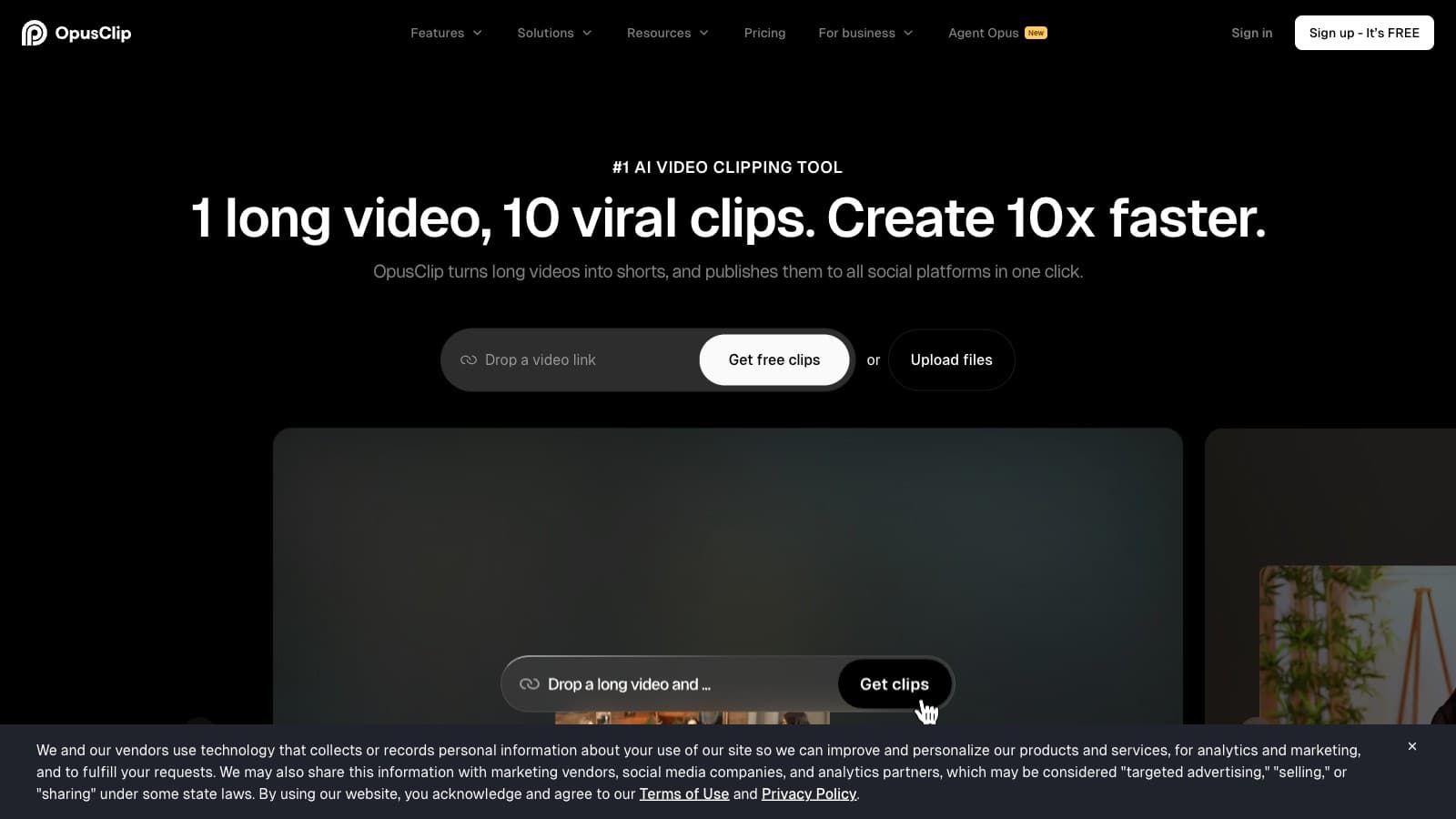
Opus Clip wins on the two things a working creator actually cares about: price transparency and speed. Pro is $29/mo monthly, $19/mo if you commit annually — those are real numbers you can see on opus.pro/pricing without clicking a slider or talking to sales. You get 300 credits per month, which works out to roughly 5 hours of source video. If you upload a 45-minute podcast twice a week, Pro covers you with room to spare. The cost per hour of source lands around $3.80 on the annual plan — the best ratio in the category.
The clipping engine is fast. A 45-minute podcast returns 10–14 clips in under five minutes on Pro's "regular processing" speed. Each clip gets a virality score (Pro+ only), which is marketing-flavored but useful as a first-pass ranker. Reprompt clipping (also Pro+) lets you nudge the AI toward different hooks — "find moments where we disagree" or "find moments with a specific phrase" — without re-uploading.
Where Opus Clip is weak: the caption style is formulaic. The default animated caption template looks like every other AI clip on TikTok circa 2024 — bright pop-in, speaker-color switching, emoji sprinkle. You can change fonts and colors, but if you want Submagic-grade caption polish, you'll still finish in CapCut. Opus also doesn't publish natively to social platforms; it expects you to download clips and upload them yourself, or to wire up Zapier on Pro+ (within the 300-credit cap).
Runner-up is Vidyo.ai — if native scheduling to six platforms matters more to you than cost, read the "Best all-in-one" section below.
Try Opus Clip Pro: /api/go/562c8ffec29affc0 — free 60-credit tier if you want to test with a watermark first.
Best all-in-one: Vidyo.ai
If you don't want to run a separate scheduler (Buffer, Later, Metricool), Vidyo.ai — rebranded to Quso.ai in late 2024, though the vidyo.ai domain still works — is the honest pick. The Essential tier at $39/mo monthly or $20/mo annual is the first tier where the 1-click scheduler to 7 social platforms (YouTube, TikTok, Instagram, LinkedIn, X, Facebook, Pinterest) unlocks. That's the whole reason to pay Vidyo over Opus Clip.
Essential gets you 300 credits — the same allowance as Opus Clip Pro — at a $20/mo annual cost that's $1/mo more. You're effectively paying a buck a month to swap Opus's speed edge for Vidyo's scheduler. That's a fair trade if you currently pay for Buffer ($6–$12/mo) or Later ($16.67/mo annualized) on top of your clipper.
Two honest caveats:
- Brand kit lives on Growth ($49/mo monthly, $25/mo annual). If you need custom logo placement, brand colors, and fonts on your clips — not just house defaults — that's Growth, not Essential. Opus Clip gives you more editorial control on its $19/mo Pro tier.
- The Vidyo/Quso double-branding is real confusion tax. Support search, community threads, and affiliate payouts all split between the two names. It will get cleaned up eventually but hasn't as of April 2026.
See the full head-to-head at Opus Clip vs Vidyo.ai for the price-math breakdown.
Try Vidyo.ai: vidyo.ai (no affiliate — direct link)
Best done-for-you: Munch
Munch is the tool for creators who would rather pay 2–3x the Opus Clip price than think about their social calendar. Essential is $48/mo monthly, $38/mo annual, and you get 500 video-repurposing minutes/month plus the "Smart Content Planner" — Munch reads your website, generates a content strategy, and auto-publishes clips on a schedule to TikTok, Instagram, YouTube, LinkedIn, X, Facebook, and Threads. You don't write captions. You don't pick posting times. You don't touch the calendar.
That's either the best money you've ever spent or an insulting overcharge, depending on who you are.
Who Munch is worth it for:
- Solo coaches/consultants who book calls off short-form but hate social media as a medium.
- Podcasters with 1–2 long episodes a week who don't have an editor or VA.
- Anyone currently paying for a clipper plus a scheduler plus a social-media VA.
Who Munch is not worth it for:
- Anyone who just wants clips to download and post manually — you're paying 3x Opus Clip for autopilot you won't use.
- Creators who already have a working scheduler stack (Buffer, Later, Metricool). Munch tries to replace that layer, which creates overlap.
Two things to know going in: the Free plan is a 7-day trial, not an indefinite watermarked tier (unlike Opus Clip). And Munch pivoted from getmunch.com to munchstudio.com — the original getmunch URL now 301-redirects. If you signed up years ago expecting a pure clipper, the product has moved.
Detailed math at Opus Clip vs Munch.
Try Munch: munchstudio.com (no affiliate — direct link)
Best for developers / automation: Vizard
Vizard has two things neither Opus Clip nor Vidyo.ai can match for automation-minded creators: a public REST API on every paid tier (not just Zapier), and a permanent free plan with 60 credits/mo that's good enough to test the product end-to-end. If you run clipping inside n8n, Make, or a custom pipeline, Vizard is the most developer-friendly clipper in the category.
The API rate limits aren't generous — 3/min on Creator, 10/min on Business — so heavy batch workflows will throttle. But for the "trigger a clip job when a new podcast episode hits S3" pattern, it's the only option here that doesn't route through a third-party integration layer. Text-based editing (delete the transcript line, delete the video) is also bundled, which mirrors Descript's strongest feature inside a clipper workflow.
Vizard's big weakness is pricing opacity. The dollar amounts on vizard.ai/pricing are rendered by a JavaScript credit-tier slider, so they don't appear in static HTML, search snippets, or scrape output. The marketing copy says "From 600 credits/mo" — that's a floor, not an average — and heavier slider tiers push the monthly cost substantially higher. We could not verify the exact Creator dollar price without a live browser session, so we won't quote one here. If you're comparison-shopping from search, Opus Clip's published $29 Pro is easier to price-match.
Vizard also gets compared to Pictory on script-to-video workflows — see Pictory vs Vizard for the full breakdown.
Try Vizard: vizard.ai (no affiliate — direct link). Real free tier; 60 credits/mo with watermark, 720p export, 3-day storage window.
Also considered
VEED — the bundle play
VEED isn't primarily a clipper. It's a full browser-based AI editor with auto-subtitles, AI avatars, voice cloning, generative video (VEO 3.1, Sora 2, Kling), screen recording, hosting, and — yes — an auto long-to-shorts "Clips" feature bundled in. Creator is $20/mo monthly, $10/mo annual. Pro is $44/mo monthly, $21/mo annual.
VEED wins if you were about to pay for three different tools (a clipper, a captioning app, and an AI avatar generator) and want one invoice. It loses if clipping is the only thing you need — you're paying for a dozen features you won't use, and the monthly-to-annual pricing gap (52% premium for flexibility on Pro) pressures you into a yearly commitment. Skip for pure clipping; consider for workflow consolidation.
Pictory — different job
Pictory is a text-to-video tool. You paste a blog URL, a script, or a PowerPoint, and it assembles a video from stock footage with AI voiceover and auto-captions. Starter is $25/mo annual, $29 monthly.
It's a good product for faceless-channel YouTubers repurposing written content into video — but that's the opposite job of what you're here for. You're trying to turn a 45-minute podcast into shorts, not turn a blog post into a stock-footage explainer. If you're confused about whether you need Pictory or something else, skim the Pictory vs Vizard comparison — it untangles the two jobs.
How to choose: the 4 questions we'd ask ourselves
-
How much source video do you produce per month? If it's under 5 hours, Opus Clip Pro's 300 credits is enough. Between 5 and 8 hours, you're choosing between Vidyo.ai Growth (600 credits) and Opus Clip paid-add-on. Over 8 hours, Munch Essential (500 min) or Vizard Business starts making sense.
-
Do you already have a scheduler you like? If yes (Buffer, Later, Metricool, Publer), Opus Clip is the obvious pick — you're not paying for a scheduler you won't use. If no, Vidyo.ai Essential bundles it for ~$1/mo more than Opus Clip Pro.
-
Will you actually look at your social posts after they go out? If yes, pay for the clipper and keep control. If no, Munch's 3x-price autopilot may be cheaper than a VA.
-
Are you running clipping through an automation like n8n or Make? If yes, Vizard's public API is the only option that doesn't depend on Zapier or webhooks through a third party. If no, skip the API-driven tool and pick on price and output quality.
Bottom line
For 99% of working creators, Opus Clip Pro at $29/mo (or $19/mo annual) is the right answer. It's the cheapest transparent price, the fastest clipper in the category, and the one with a published affiliate program if you want to refer your audience later. Upgrade to Vidyo.ai Essential if you need native scheduling to 6–7 platforms. Jump to Munch only if the "I refuse to touch social media" persona fits you exactly. Pick Vizard if you're wiring clipping into a larger automation. Skip Pictory for this job entirely — it's a different tool.
FAQ
What's the cheapest AI video clipper with no watermark?
Opus Clip Starter at $15/mo monthly, $12/mo annualized. You get 150 credits (~2.5 hours of source) per month and clean exports. Vizard's free tier is cheaper but watermarked; VEED Creator annual at $10/mo is also watermark-free but is a full editor, not a dedicated clipper.
Can I use an AI clipper without posting anything publicly?
Yes. All four contenders (Opus Clip, Vidyo.ai, Munch, Vizard) let you download clips to your device. Scheduling and auto-publishing are opt-in on every tool — you can use them purely as clip generators.
Which AI clipper has the best caption quality out of the box?
None of them match Submagic on caption polish. Opus Clip and Vidyo.ai produce the cleanest defaults among pure clippers; Vizard's AI emoji + keyword highlights trend more gimmicky. If caption style matters more than clipping speed, run the clip through Submagic afterward.
What happens to my clips if I cancel my subscription?
Tool-by-tool: Opus Clip and Vidyo.ai retain your exports in-app until you delete them, but you lose access to reprocess source files. Vizard's free tier only stores videos for 3 days — download before you downgrade. Munch doesn't publish a clear retention policy for cancelled accounts; confirm with support before committing annually.
Do AI clippers work on non-English video?
Yes, with caveats. Opus Clip supports multi-language transcription. Vidyo.ai promotes subtitle generation in English, Spanish, French, and German as first-class tools. Vizard offers subtitle translation into 100+ languages. Accuracy is highest on English and drops noticeably on tonal languages or heavy-accent English — always check the transcript before export.
Is there a free AI clipper that's actually usable?
Opus Clip Free (60 credits/mo, watermarked) and Vizard Free (60 credits/mo, watermarked, 3-day storage) are the two genuine free tiers. Both are usable for testing, neither is viable for ongoing publishing because of the watermark. Munch's "free" is a 7-day trial, not a permanent plan.
Common questions
Questions people ask.
- Is Opus Clip still the best AI video clipper in 2026?
- For most solo creators, yes — on the $19/mo annual Pro tier, the cost-per-hour-of-source lands around $3.80, which is the best ratio in the category. It loses to Vidyo.ai if you need native scheduling to 7 platforms, and to Vizard if you need a real API. Speed and price transparency are still the two things it wins on.
- What's the cheapest AI clipper that's actually usable?
- Vizard's free tier is the only permanent free tier worth using — 60 credits/mo at 720p with a watermark, real enough to test a workflow. Past free, Opus Clip Starter at $12/mo annual is the cheapest paid option from a vendor that publishes its prices plainly. Avoid anything hiding the dollar amount behind a JavaScript slider.
- How do I pick between Opus Clip and Vidyo.ai?
- One question: do you already pay for a social scheduler like Buffer or Later? If yes, Opus Clip Pro at $19/mo annual is cheaper and faster, and you keep your current scheduler. If no, Vidyo.ai Essential at $20/mo annual bundles the scheduler to 7 platforms — $1/mo more and you cancel Buffer. Both give 300 credits.
- Do I need an AI clipper if I already edit in CapCut?
- Only if you're clipping long-form to shorts at volume — podcasts, webinars, interviews 30+ minutes. CapCut can cut a single short in 10 minutes. A clipper returns 8–14 candidates from a 45-minute source in under 5 minutes. Below ~4 shorts per week from long-form you don't need one; above that, the $19/mo pays back in saved hours.
- Which clipper should I start with if I've never used one?
- Vizard's free tier for the first week — no card, 60 credits, watermarked. Run one real episode through it to learn where AI-picked clips fail (bad openings, mid-sentence cuts, missed punchlines). Then commit to Opus Clip Pro annual if the workflow survives that stress test. Don't pre-pay annual on a tool you haven't shipped with.
New roundups every month.
Get them in your inbox.
Subscribe to CreatorStackKeep reading
- Review
Munch Review: The clipper that pivoted into a $48/mo social-media autopilot
- Review
Opus Clip Review: Fastest auto-clipper, at the cost of a generic look
- Review
Pictory Review: The write-once, video-everywhere tool for faceless channels
- Review
VEED Review: The bundle editor, if you can swallow the annual commit