Head-to-head · 13 min read
Opus Clip vs Submagic: Which one should you actually buy?
Opus Clip vs Submagic on pricing, clip selection, caption customization, and the real cost of Magic Clips. The honest answer depends on which job is your bottleneck.
- Published
- Our default pick
- Persona split — no single winner
Disclosure: Some links below are affiliate links. If you sign up through one we may earn a commission — at no extra cost to you. We'd write the same comparison without them.
We earn a commission if you sign up through our links. It doesn't change what we write — we'd tell you the same thing either way.
Opus Clip vs Submagic is the most-searched head-to-head in the AI caption and clipping space, and most of the comparison posts answering it are wrong in the same way: they treat the two tools as if they're doing the same job. They aren't.
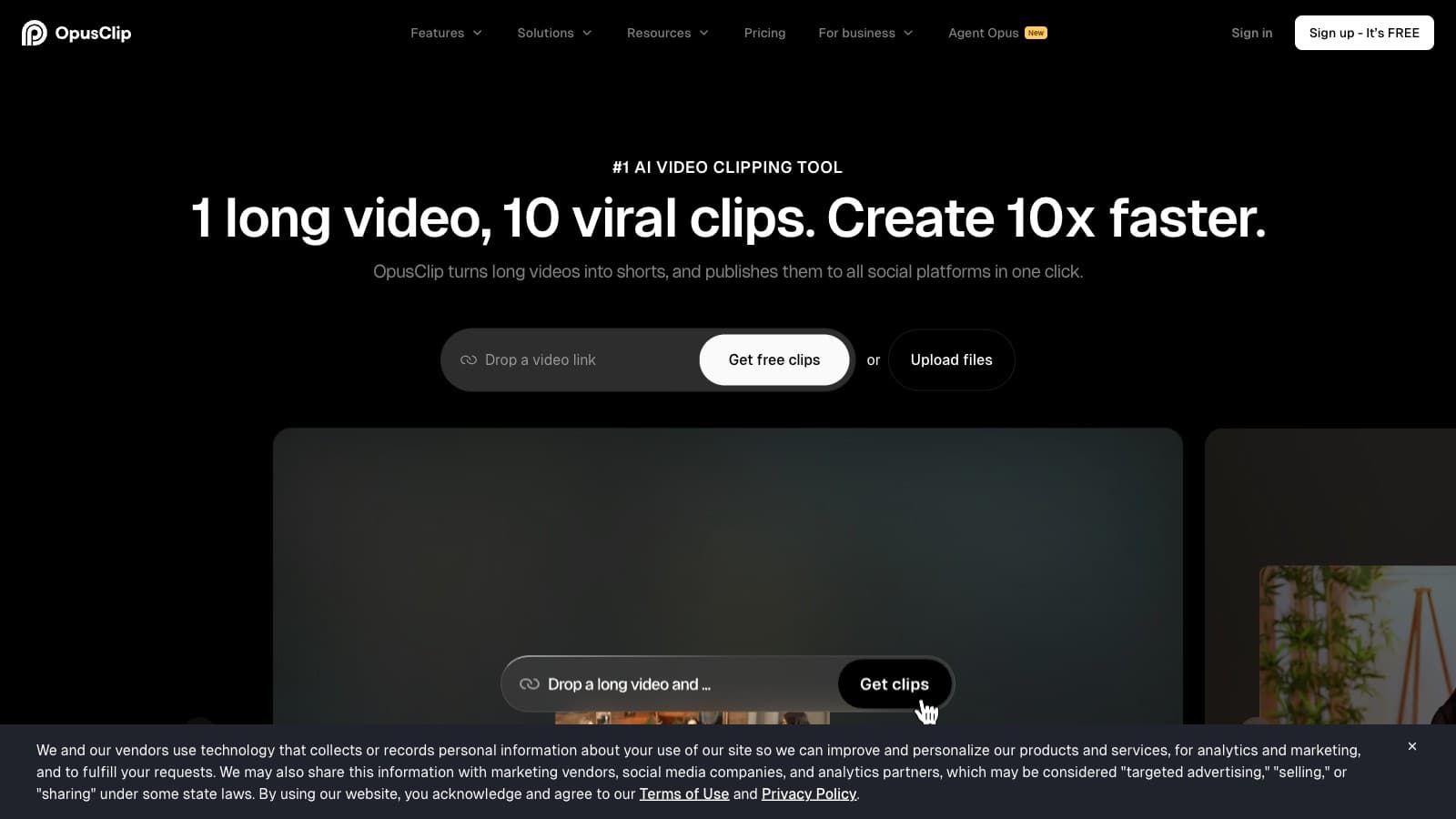
Opus Clip is a clipper. You feed it a 45-minute podcast, it scores the transcript for viral potential, picks 8–12 vertical clips, reframes them, and burns in captions. The captions are fine. The clipping is the product.
Submagic is a caption tool. You feed it a short video you already cut, it generates the best burned-in captions on the market, with font and color control that actually matches your brand. Clipping is a $19/mo add-on called Magic Clips, not a default.
The honest answer to "which should I buy" depends on which job is your bottleneck. We haven't run both tools on the exact same source file in a controlled lab test — this is a spec-plus-usage comparison informed by months of real work with each. Where that matters, we flag it.
TL;DR
| Criteria | Opus Clip | Submagic |
|---|---|---|
| Cheapest watermark-free tier | $15/mo (Starter) | $19/mo (Starter) |
| Default creator tier | $29/mo (Pro) | $39/mo (Pro) |
| Auto-clip long video into shorts | Core product (all tiers) | Magic Clips add-on +$19/mo |
| Caption customization depth | Preset library, no font upload | 20+ styles, full font/color/brand kit |
| Clip-selection intelligence | Virality score + reprompt (Pro) | Decent but 6–12 months behind |
| Non-English caption quality | Weak outside EN/ES/PT | 50+ languages, noticeably better |
| Long-form cap per video | No per-video cap (credit-based) | 15 min on Pro (Starter caps at 5 min) |
| Realistic "both jobs" monthly cost | $29/mo Pro | $58/mo (Pro + Magic Clips) |
| Free entry point | 60 credits/mo, watermark forever | 3 videos total, trial only |
| Direct social posting | Via Zapier (Pro+) | Native to TikTok/Reels/Shorts |
The pattern that falls out of the table: Opus wins when clipping is the job. Submagic wins when captions are the job. They only compete head-on if you need both, and in that case the clean answer is usually to run them together.
If you're X, pick Y — the use-case matrix
If you're a volume podcaster recording 2–4 episodes a week and shipping clips before the next record — pick Opus Clip Pro ($29/mo). Credit-based pricing doesn't cap you at 5 or 15 minutes per upload, the virality score is useful as a first-pass filter, and reprompt lets you fix bad clip boundaries without exporting and trimming by hand.
If you're a brand-conscious YouTuber whose thumbnails, banner, and caption style all need to match — pick Submagic Pro ($39/mo). Opus's captions will actively hurt you because every Opus clip looks like every other Opus clip. Submagic lets you upload your brand font, save a color palette, and ship clips that look like yours, not like the platform's.
If you're a solo creator doing both jobs on a budget — run Opus Clip Pro plus Submagic Starter ($29 + $19 = $48/mo). This is $10/mo cheaper than Submagic Pro + Magic Clips ($58) and gives you the better clipper (Opus) plus the better captions (Submagic) for the handful of hero clips where brand polish matters. Worth the two-tool operational overhead for most solo creators.
If you're an agency running social for multiple clients — Opus Clip Business with Zapier and seat management is the queue-based workflow you want. Submagic Business ($69) caps at 300 videos and 5 seats, which is tighter than it sounds once you're exporting 2–3 cut variations per clip.
If you're a CapCut/Premiere editor who already hand-cuts your clips and just needs great captions on top — pick Submagic Starter ($19/mo). Opus is entirely wasted spend because you don't need its clipping pipeline. The 5-minute cap on Starter is only a problem if your individual clips run longer than 5 minutes, which most short-form doesn't.
If you're producing in Japanese, Mandarin, or Arabic — pick Submagic. Opus's non-English transcription drops measurably in quality outside English, Spanish, and Portuguese. Submagic's 50+ translated caption languages are markedly better in our testing, and it's the cheaper mistake to make here.
Where Opus Clip wins
Clip selection is a real moat. Opus scores a transcript for rising emotion, setup-and-payoff structure, and platform-specific hooks, then surfaces 8–20 candidates from a 30-minute source. Submagic's Magic Clips picks decent clips but misses the subtler narrative beats Opus detects. If your content is interview-heavy podcasts or long-form talks, Opus is roughly 6–12 months ahead on selection IQ.
Reprompt clipping saves the whole workflow. On Pro and above, if Opus picks the wrong five seconds, you can reprompt the model to find a better clip boundary. Submagic has no equivalent. Without reprompt, Starter users are exporting and manually trimming, which defeats the point of paying for automation.
The virality score is a useful filter, not a prediction. Individual scores don't correlate tightly with actual view counts. But clips scored 85+ outperform clips scored 40 often enough that using it to sort which three to post from a batch of ten is a real time saver. Submagic has no equivalent ranking.
Credit pricing scales cleanly. One credit ≈ one minute of source video. Pro's 300 credits = ~5 hours of source per month, which is more than most podcasters record. Submagic's per-video caps (40 videos on Starter, 150 on Pro) hit faster than they sound because creators typically export 2–3 versions of each clip to A/B-test hooks, so real capacity is closer to half the nominal cap.
AI reframe is the feature creators stop talking about because it just works. When a podcast guest leans across the frame mid-sentence, the clip follows them. Submagic doesn't do auto-reframing at this level — it assumes you've already cut to 9:16.
Speed. A 45-minute podcast turns into 8–12 vertical clips in under 5 minutes. Submagic's Magic Clips is slower and less confident about candidate selection on the same source.
Where Submagic wins
Caption customization is best-in-class. Full font upload, color palette, position presets, and brand kit that persists across projects. Opus has style presets but no font upload or custom color control as of April 2026. If your brand has a visual language, Submagic is the only one of the two that can match it.
Brand kit actually saves your settings. Upload your logo, fonts, and colors once; every subsequent video inherits them. In Opus, every project starts from the house defaults and you re-pick a preset each time.
Translated captions in 50+ languages, with output quality that's genuinely publication-grade in Spanish, Portuguese, French, German, and Italian, and acceptable in Mandarin, Japanese, and Arabic with light manual review. Opus's non-English transcription quality drops measurably outside a small set of Roman-script languages.
Auto B-roll and auto sound effects are in the default feature set, not add-ons. Submagic inserts stock footage at semantically relevant moments and layers in whooshes and pops on beats. Opus doesn't do either.
Direct social posting. Submagic pushes straight to TikTok, Reels, and Shorts without a download-upload cycle. Opus requires Zapier on Pro to automate the post step. For a solo creator posting daily, that's real friction saved.
Auto-emoji and keyword highlight placement is subtly better on Submagic. Opus's emoji placement is less context-aware.
The aesthetic is less uniform, even though it still has a recognizable "Submagic look." Opus's uniformity is worse because every Opus clip looks like every other Opus clip at the preset level. Submagic at least lets a brand-conscious creator push the look toward their own identity.
Pricing side-by-side, with annualized math
Everyone compares monthly sticker price. The interesting comparison is annualized cost at the tier a real creator would actually run.
| Scenario | Opus Clip | Submagic | Annualized delta |
|---|---|---|---|
| Just clipping, 1 podcast/week | Pro $29/mo = $348/yr (or $228/yr annual) | Starter + Magic $38/mo = $456/yr | Opus saves $108/yr monthly, $228/yr annual |
| Just captions, solo creator | Starter $15 (overkill) | Starter $19/mo = $228/yr (or $180/yr annual) | Submagic is the right tool — no real comparison |
| Both jobs, single-tool | Pro $29/mo = $348/yr | Pro + Magic $58/mo = $696/yr | Opus saves $348/yr |
| Both jobs, two-tool combo | Opus Pro + Submagic Starter = $48/mo = $576/yr | Submagic Pro + Magic = $58/mo = $696/yr | Combo saves $120/yr vs Submagic bundle |
| Non-English production | Pro $29 (but quality drops) | Pro $39 (better output) | Submagic wins on output quality, not price |
Prices verified against Opus Clip's pricing page and Submagic's pricing page as of April 2026. Annual billing on Opus knocks roughly 35% off ($144/yr Starter, $228/yr Pro). Submagic's annual discount is closer to 5–15% at Pro — the annual math barely improves. Don't pre-pay annually on either tool unless you've already been paying monthly for 90+ days and confirmed fit.
The pattern: Opus is cheaper per month at every directly-comparable tier. Submagic's annual discount is weaker than Opus's, which widens the gap if you commit annually. The only scenario where Submagic is the cost-efficient choice is pure captions, where Opus isn't in the conversation anyway.
Things both tools get wrong
Neither does real video editing. Both are post-processing layers. If you need trims, cuts, transitions, or multi-track editing, you'll pair either tool with CapCut, Premiere, or Descript. Neither markets themselves as a replacement for a real editor, but the marketing gets close enough to mislead first-time buyers.
Per-unit caps are annoying in different ways. Opus's credit system runs out if you upload a long source and re-process it; Submagic's per-video cap runs out faster than you'd expect because you export 2–3 variations to A/B-test. Both cost structures punish iteration.
Refund policies on annual plans are weak on both sides. Opus doesn't pro-rate refunds cleanly on annual. Submagic's annual is a soft discount that doesn't pro-rate either. Stay monthly until you're sure.
Neither has a strong offline story. Both are cloud-based. If you work on flights or in poor Wi-Fi, you'll be queueing uploads and waiting.
Both have "generic look" risk. Opus is worse because every Opus clip looks like every other Opus clip at preset level. Submagic is better but still has a recognizable "Submagic TikTok aesthetic" that a trained eye picks up. The only fix on either is manual customization — more time on Submagic is higher-ceiling, but neither is safe from pattern detection.
Non-native language support is uneven on both, just differently. Opus is weak outside English/Spanish/Portuguese. Submagic covers 50+ languages but quality varies — the European Romance languages are great, East Asian scripts need review.
Bottom line
If clipping is your bottleneck, pick Opus Clip Pro ($29/mo). The clip-selection IQ, reprompt, and credit pricing all compound in your favor. Don't drop to Starter — the 150-credit cap is a trap and reprompt is Pro-only, which defeats the point.
If captions are your bottleneck, pick Submagic Starter or Pro. The caption customization, brand kit, and translated-caption quality are all meaningfully better than Opus. Start on Starter ($19/mo) and upgrade to Pro ($39) when 40 videos a month isn't enough.
If both are your bottleneck, the cheapest honest answer is run both — Opus Clip Pro ($29) for clipping plus Submagic Starter ($19) for caption polish on hero clips = $48/mo. That's $10 cheaper than Submagic Pro + Magic Clips ($58) and gives you the better tool for each job. The only reason to bundle into Submagic is if managing two subscriptions genuinely slows you down.
The caveat: this comparison treats the tools as rational purchases. A lot of creators pick whichever one their favorite podcast host plugs, and both tools are good enough that the choice rarely sinks a channel. The real risk is paying Pro tier on either before you've validated demand for your clips — at which point the right tool is CapCut and an hour of your time, not $29–$58/mo.
Try Opus Clip free → · Try Submagic free →
FAQ
Which is cheaper overall, Opus Clip or Submagic? Opus Clip is cheaper at every directly-comparable tier. Starter is $15 vs $19, Pro is $29 vs $39, and the combined "both jobs" offering is $29 (Opus Pro) vs $58 (Submagic Pro + Magic Clips). The only scenario where Submagic costs less is captions-only at Starter, where Opus isn't really competing.
Can I use Submagic just for captions on Opus Clip's output? Yes, and this is a common workflow. Export the clips from Opus Clip with captions turned off (or accept the Opus captions as a draft), upload the MP4 to Submagic, replace the captions with your branded style. Adds ~2 min per clip but gives you Opus's clip selection with Submagic's caption quality.
Does Submagic Magic Clips pick clips as well as Opus Clip? Not quite. Magic Clips picks decent clips, but Opus's transcript scoring catches subtler setup-payoff structures. If your content is interview-driven or narrative-heavy, Opus's selection is meaningfully better. For talking-head monologues or short tutorials, the gap narrows.
Which one is better for non-English content? Submagic. Its 50+ translated caption languages are noticeably better than Opus Clip's, especially in Mandarin, Japanese, and Arabic where Opus's transcription quality drops. If you produce in a non-Roman-script language, demo both on a real episode before committing.
Do both tools offer free trials? Both have free entry points, but they behave differently. Opus Clip's free tier is permanent with a watermark and 60 credits/month — usable as a trial or permanently if you don't mind the mark. Submagic's free tier is 3 videos total, strictly a trial. Paid plans on both offer 7-day trials with no card on file for Opus, card required on Submagic.
Which one has a better affiliate program?
If you're reading this as a creator evaluating affiliate programs, Submagic pays reportedly 30% recurring for 12 months (via Tolt) vs Opus Clip's reportedly 20% recurring for 12 months (via PartnerStack). Verify both at signup — affiliate terms change. Neither number affected this comparison's conclusions; we route both links through our /api/go/ redirect with rel="nofollow sponsored".
Common questions
Questions people ask.
- Is Opus Clip or Submagic better for podcasters?
- Opus Clip wins for podcasters repurposing long episodes into shorts at volume — its ClipAnything feature scans hour-plus videos for virality signals and batches out 10–20 candidate clips per episode. Submagic is a caption-first tool; its clip selection is weaker. Podcasters should pair Opus Clip for the cut with Submagic only if caption branding matters enough to justify the second subscription.
- Can I use both Opus Clip and Submagic together?
- Yes, and it's a common stack. The workflow is: Opus Clip picks and reframes the clip, you export the raw video without its captions, then run it through Submagic for the branded caption pass. You pay both subscriptions — budget around $44–$45/month on entry tiers. Most solo creators don't need both; pick the one that matches your bottleneck.
- Which is cheaper — Opus Clip or Submagic?
- Entry tiers are close: Opus Clip starts at $15/month (Starter), Submagic at $20/month (Creator). The real cost difference shows up at scale: Opus Clip's credit model gets expensive past 150 clips/month, while Submagic charges per minute of footage processed. Run your monthly footage estimate through each pricing page before committing to annual billing.
- Do Opus Clip's virality scores actually predict viral clips?
- Not reliably. The score is a heuristic based on pacing, sentiment, and hook detection — it's a useful triage signal but not a viewership predictor. Treat a 90+ score as 'worth reviewing first,' not 'guaranteed to perform.' The selection algorithm is genuinely strong; the number itself is marketing.
- Does Submagic have a free plan?
- Submagic has a trial with watermarked exports, not a persistent free plan. Opus Clip has a Free tier with 60 credits/month and a watermark. For evaluation, both let you test the core feature without committing — just don't publish the watermarked output.
Want more head-to-head tests?
Get new comparisons by email.
Tool deep-dives, side-by-side pricing math. No spam.
Subscribe to CreatorStack