
Tool guides · 5 min read
Synthesia Review: Avatar Video, Credits and Training Tools
Synthesia review of avatar video, shared credits, editor seats and training features, with monthly and annual pricing clearly separated for each plan.
Affiliate disclosure: Some links may earn CreatorStack a commission at no extra cost to you.
At a glance
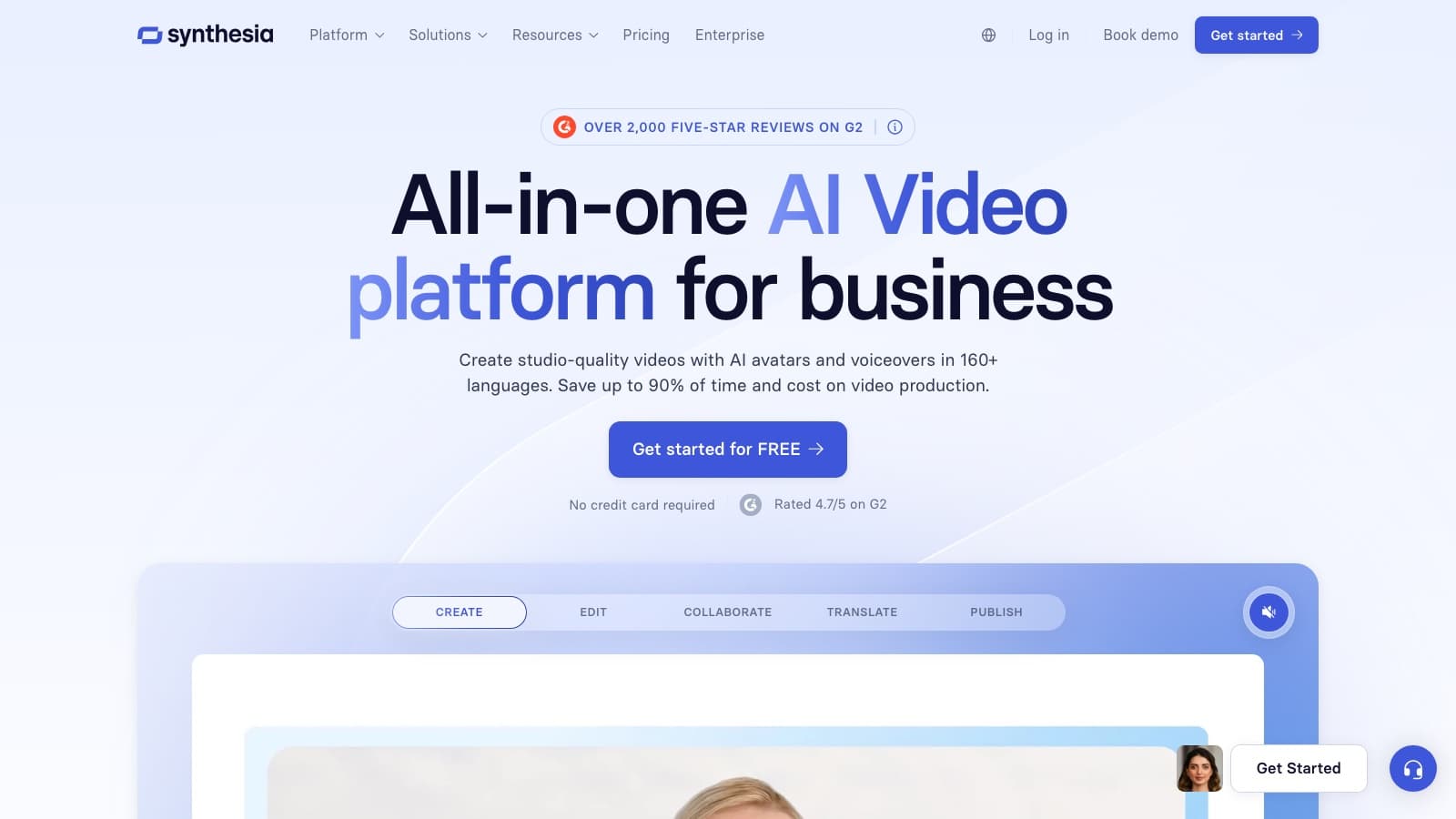
Synthesia deserves a look when the output is a scripted explainer or a training asset that needs review, delivery and later updates. Its plan differences extend beyond avatar generation: interactive video, editor access and learning-management export can determine which subscription meets the brief.
Synthesia deserves a look when the output is a scripted explainer or a training asset that needs review, delivery and later updates. Its plan differences extend beyond avatar generation: interactive video, editor access and learning-management export can determine which subscription meets the brief.
One credit pool, different production tasks
The advertised video and dubbing capacities draw from a shared credit pool. They are alternative examples of what the allowance can buy, not separate benefits to add together. Mixing avatar video, dubbing and generated assets reduces the capacity available for each.
Seats also need careful reading. Starter lists one editor and three guests; Creator lists one editor and five guests. That does not give a department several independent editors. Annual subscriptions publish annual credit pools, so do not describe them as the same monthly quota at a discount. Plan comparison.
Choose the delivery format before the avatar
Starter includes downloads, logo removal and AI Dubbing. Creator adds interactive videos, API access and multiple avatars per scene. Enterprise lists SCORM export, SAML/SSO and live collaboration. Feature matrix.
For a training team, those distinctions can matter more than the presenter sample. Decide whether learners need an exported file, a hosted interactive asset or a package for an existing learning platform. A video that looks suitable in a demo is not proof that its delivery format matches your system.
Pricing and billing
| Plan | Monthly billing | Annual total | Included usage or distinction |
|---|---|---|---|
| Basic | $0 | $0 | 1,200 credits/month |
| Starter | $29 | $216 | Monthly: 1,200 credits/month; annual: 14,500 credits/year |
| Creator | $89 | $768 | Monthly: 3,600 credits/month; annual: 44,000 credits/year |
| Enterprise | Custom quote | Custom quote | Custom quote |
Source: official Synthesia plan information. Annual totals are a full-year commitment, not a monthly charge. Where calculated from a displayed monthly equivalent, the formula is monthly equivalent × 12.
Make a lesson someone can use
Consider an illustrative three-minute onboarding lesson showing a new employee how to submit a support request. The brief has one outcome: the learner must choose the correct category and include the information needed for a reply. The avatar introduces and explains the task; an approved screenshot shows the real form.
Divide the lesson into an opening problem, a worked request and a final decision. Show a sample request with the relevant fields filled in. If the narration says “choose the category on the left,” the screenshot must show that exact layout. A plausible-looking generic screen would teach the wrong procedure.
Approve the script with the process owner before generating the final presentation. Use short spoken sentences, spell out an unfamiliar acronym and give the learner time to inspect the example. If pronunciation fails, revise and audition the problematic phrase. If the lesson feels slow, remove repeated explanation before accelerating the entire presenter.
For the knowledge check, ask which of two sample requests would reach the right team. That tests the lesson's intended decision. Asking only whether viewers liked the presenter would not establish that they understood the process. Creator lists interactive video; an ordinary exported file and a hosted interactive lesson need separate delivery checks. Plan features.
The proposed acceptance criteria are accurate terminology, readable screen detail, correct narration and a working learner journey on the device your staff use. Then change one field label in the example and revise the corresponding sentence. That small maintenance exercise shows whether the asset can stay useful when the process changes.
Delivery can determine the tier before generation does
A downloadable video may be sufficient for an internal page. If the training system needs SCORM, confirm the package, completion rule and reporting in that actual system. SCORM is a format used to exchange learning content and tracking information with a learning platform; its presence on an Enterprise feature list does not by itself verify your organization's tracking configuration.
Distinguish the person editing from the people reviewing. Creator's five guests do not give five colleagues editing seats. Map the approval path before purchasing so the process owner can review without assuming access they do not have.
For an illustrative monthly project with four accepted lessons, Starter's $29 fee would allocate $7.25 per lesson, but that is only meaningful if the total generation fits its credits. Log credits for the first lesson, revisions and dubbing together. If that combined observed use were 350 credits, four similar lessons would need 1,400 and exceed Starter's 1,200. The 350 is a planning assumption, not a documented per-lesson rate.
Choose Synthesia when reusable scripted lessons and their review process justify it. For a rapidly changing interface, a short screen recording with your own narration may be easier to maintain. Our HeyGen vs Synthesia comparison helps when deciding which avatar workflow fits the same delivery brief.
Frequently asked questions
What does Synthesia Starter cost?
Starter is $29 on monthly billing or $18 per month equivalent billed annually, a computed $216 annual subscription total.
Are the video and dubbing allowances additive?
No. The pricing page describes a common credit pool; the example capacities are alternatives.
Does Creator include several editors?
The current Creator card lists one editor and five guests. Guests should not be counted as editor seats.
Which plan lists SCORM export?
SCORM export appears under Enterprise on the current pricing page. Confirm its delivery and tracking requirements with your learning platform.
Sources & freshness
This article was refreshed on 29 Sept 2026 using the sources below. A source check verifies published information, not output quality or checkout availability in every region.
Found a correction? Let us know.