
Tool guides · 11 min read
ElevenLabs Review: Voice Quality Controls and Real Costs
A practical ElevenLabs review of current plans, voice cloning, v4 model choices, narration costs and a worked workflow for reviewing and fixing speech.
Affiliate disclosure: Some links may earn CreatorStack a commission at no extra cost to you.
At a glance
Pick ElevenLabs for recurring scripted narration when you can direct and review each passage. Upgrade only when the workload or a required feature justifies it.
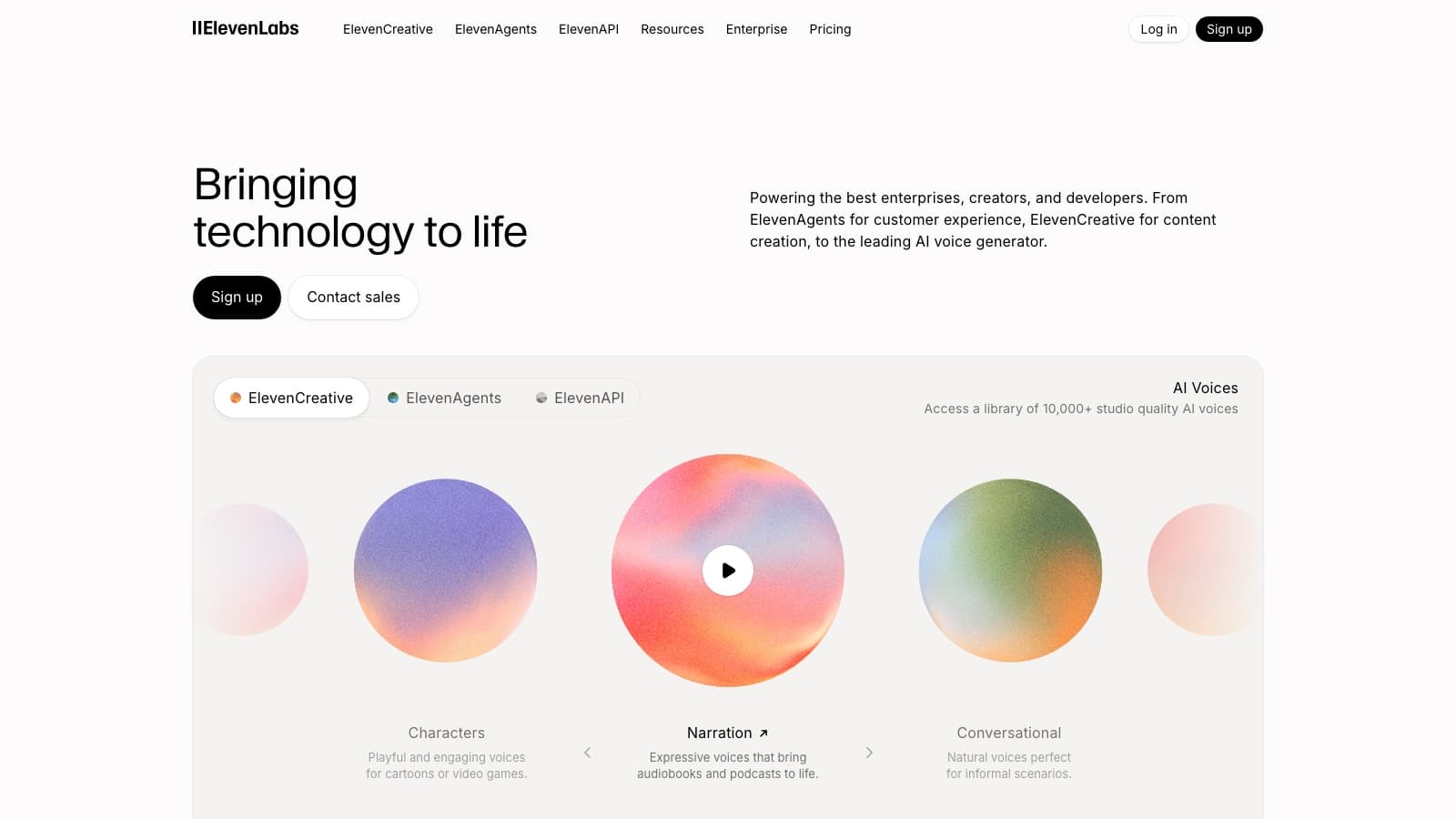
ElevenLabs is worth evaluating when narration is a recurring production task and you are willing to direct, listen and correct. A convincing voice preview is only the beginning. A camera name, a fraction or an awkward transition can reveal more about the workflow than a polished voice demo.
This is a research-based review of official material checked September 29, 2026. The production example is a proposed workflow, not an audio test. No voices were cloned or generated for this review.
Starter costs $6/month; Creator renews at $22/month. The choice turns on script volume, cloning needs and the cost of revisions, which the worked episode below makes explicit.
What can go wrong before the voice sounds right
A model change can change a familiar channel voice. The new v4 documentation explicitly advises comparison with your existing voice and content. Its cross-language behavior also changes: the vendor says a voice generated in a different language uses a native target-language accent instead of carrying over the reference accent. If that accent is part of the identity you want to preserve, migration needs a listening check. This is documented behavior, not an independent quality result. v4 guidance.
Another trap is assuming that every pause or pronunciation trick works on every model. The current best-practices page says v3 and v4 do not support SSML break tags. A script prepared for a different model may therefore need different direction. Speech controls.
Free output is restricted to noncommercial use with attribution. Paid commercial rights apply under the vendor's terms. Plan for the appropriate license at generation time instead of assuming a later upgrade changes earlier output. Billing and licensing.
Voice, model and project are three separate choices
A voice supplies vocal identity; the model determines supported controls and generation behavior; the project editor organizes passages and other media. Keep those choices separate when troubleshooting: a difficult name may need a pronunciation change, while a mismatched tone may need different direction or a different voice.
Studio supports audio and video projects, media tracks, paragraph generation and project exports. It also has an agent that can draft a project from a prompt. For a factual explainer, uploading an already approved script makes the editorial boundary easier to manage: the narration should say what you approved. Studio documentation.
Choose a tool route around the task:
| Route | Reason to choose it | Extra work to budget |
|---|---|---|
| Existing library voice | Evaluate speech without preparing a clone | Audition the actual script and check any voice-specific rate |
| Instant Voice Cloning | Establish a quick version of your own delivery | Record consistent clean samples and listen for resemblance |
| Professional Voice Cloning | Build a recurring voice asset | Prepare substantially more audio, verify and wait for training |
| Recorded narration | Preserve a personal performance directly | Recording conditions, retakes and editing |
The Instant workflow recommends roughly one to two minutes of clean, consistent audio and requires confirmation of rights and consent. More than three minutes is not presented as an automatic improvement. Noise, mouth clicks and delivery patterns can influence the clone. Instant cloning instructions.
Professional cloning involves upload, verification and fine-tuning. Its current guide recommends at least an hour, ideally closer to three, for best results; that is a preparation recommendation, not a promise of a specific outcome. Spoken voice is supported, while singing is excluded in that guide. Professional cloning instructions.
Model selection: start with the deliverable
As checked on the review date, the model catalog includes v4, v4 Turbo, v3, Multilingual v2 and Flash v2.5. The vendor positions v4 for expressive speech and Multilingual v2 for consistent long-form output. Its listed per-request text limits include 10,000 characters for v4 and Multilingual v2, 5,000 for v3 and 40,000 for Flash v2.5. These are request limits, not recommended paragraph lengths. Model catalog.
For a ten-minute explainer, audition a difficult passage before generating the entire script. For a short dramatic introduction, audition the emotional shift. For prerecorded narration, prioritize delivery over a latency advantage the audience will never experience.
Avoid changing model and voice halfway through the production unless you plan to revisit earlier passages. Save those selections with the script version so a later correction has a clear starting point.
Monthly pricing and real script economics
| Plan | Monthly price | Monthly credits | Relevant distinction |
|---|---|---|---|
| Free | $0 | 10,000 | Noncommercial exploration |
| Starter | $6 | 30,000 | Instant Voice Cloning |
| Creator | $22 | 121,000 | Professional Voice Cloning |
| Pro | $99 | 600,000 | Higher audio-format options |
| Scale | $299 | 1.8 million | Three seats |
| Business | $990 | 6 million | Ten seats |
Creator's advertised $11 is a first-month promotion. These are recurring monthly figures before tax; annual prices were not verified in the retrieved pricing view. Current plans.
The website's credit guidance gives a base text-to-speech rate of one credit per character, with multipliers for some shared voices. API discounts are separate. Use the displayed estimate for the chosen voice and surface; do not convert every credit balance into a universal number of minutes. Character accounting.
Here is an original example using a 9,000-character script, a voice without a multiplier, website generation at that base rate and a 25% allowance for paid revisions:
- One episode: 9,000 × 1.25 = 11,250 credits.
- Four episodes: 11,250 × 4 = 45,000 credits.
- Eight episodes: 11,250 × 8 = 90,000 credits.
Starter covers two such episodes with 7,500 credits remaining, but not three. Creator covers the eight-episode example with 31,000 left before other tools consume credits. At four episodes, the recurring $22 subscription contributes $5.50 per episode; at eight, $2.75. These figures allocate the subscription, not the price of purchasing extra credits.
The assumed revision rate is not a measured average. If every line needs three paid versions, four episodes use 108,000 credits. That fits Creator with little room for extra work. Dubbing, music and other operations need their own budgets. Temporary launch promotions are excluded from this baseline so the schedule remains understandable after they end.
Free retries also have conditions. The help page distinguishes website playground, Studio and v3 behavior; changing text can trigger a charge. Check the Generate or Regenerate label and displayed cost instead of assuming every second attempt is free. Regeneration rules.
Worked workflow: a weekly camera explainer
Assume a 9,000-character approved script for an approximately ten-minute episode. Duration is only a planning assumption; actual speaking pace determines the finished length. The goal is a narrated edit with consistent delivery and accurate product names. The proposed workflow below has not been run.
1. Separate the readable script from the spoken script
Keep one version for captions and fact checking, and another for generation. A caption may show “1/250s”; the spoken version should use the wording you actually want heard, such as “one two-hundred-and-fiftieth of a second.” Likewise, decide whether “ISO” should sound like a word or separate letters.
Create a short pronunciation list containing the camera name, lens name, channel name, abbreviations and every measurement. This list becomes part of the acceptance criteria, not an afterthought when the final export is due.
2. Audition the hardest 600 characters
Choose a passage containing the product name, a number and a change of emphasis. Compare two candidate voices using the same text and model. Listen without reading first: does the meaning survive? Then listen while reading to catch omissions or altered numbers.
Under the example's base rate, two paid 600-character auditions add 1,200 credits outside the episode budget. Include them in the first month's setup cost. Save the winning audio as a reference for later passages.
3. Set direction conservatively
Begin with the model's available default settings and one clear delivery intention: calm explanation, not a different emotion on every sentence. Where a speed control is supported, 1.0 is a useful starting point; any adjustment should be tested against intelligibility and timing rather than used to cram an overlong script into a short slot.
For pronunciation, v4 supports IPA wrapped in slashes; Multilingual v2 can use alias replacements where phoneme tags are unsupported. Those controls are model-specific. Test the troublesome phrase in context before applying a global replacement. Pronunciation and pace.
4. Generate reviewable sections
Divide the script at changes of topic, such as introduction, exposure example, demonstration and conclusion. Keep enough surrounding text for each passage to sound connected. Overly tiny fragments make it difficult to judge rhythm, while regenerating an entire episode for one changed name wastes review effort.
Use a simple log: section identifier, text version, voice, model, cost, selected take and unresolved issue. A replacement should move a section from “needs correction” to “approved,” not silently overwrite the only good version.
5. Review meaning before polish
First check names, amounts and claims against the approved script. Next inspect delivery: unwanted emphasis, odd breaths, rushed endings and changes between paragraphs. Finally place the speech against footage and music. A pause that sounds excessive in isolation may be necessary for a demonstration on screen.
Change the smallest passage that addresses the defect. When replacing it, compare the preceding and following sentences too. Matching average loudness will not fix a different emotional tone. If a section repeatedly resists direction, rewrite it in more natural spoken language or record that section yourself.
6. Export and preserve the production record
Check the actual file quality, not just the extension. Studio documentation says Free, Starter and Creator WAV exports originate from a 128 kbps source; higher plans list 16-bit, 44.1 kHz WAV. A WAV filename alone therefore does not establish a lossless source. Studio export settings.
Listen to the final mixed export end to end. Save narration files, script, pronunciation decisions and selected settings alongside the edit. Later revisions should start from an approved passage and a known configuration.
Failure diagnosis
| Problem | Check first | Recovery to try |
|---|---|---|
| Name sounds wrong every time | Spoken spelling, selected model and dictionary rule | Test an alias or supported pronunciation notation in context |
| A price or measurement is misread | Ambiguous symbols in the input | Write the exact spoken form |
| Voice changes between sections | Model, voice and script-direction differences | Match configuration and regenerate a contextual passage |
| Clone reproduces distracting habits | Source recording rather than export bitrate | Record a cleaner, more consistent sample |
| Quota drops faster than expected | Paid revisions, voice multipliers and other media tools | Audit the generation log against the usage display |
| New language loses the original accent | Whether v4's documented cross-language behavior applies | Audition before migration; choose the version that fits the brief |
These recovery steps are starting hypotheses. Use the table to choose one change, then compare the revised passage with its neighbors.
Alternatives worth comparing
Descript offers speech repair within an editing workflow through Regenerate. Consider that route when the main task is repairing existing recorded dialogue, rather than creating a whole narration track. Its published feature page describes matching replacement speech to surrounding audio; this review has not measured how reliably that works. Speech repair feature.
The other meaningful alternatives are recording yourself and hiring a narrator. Self-recording trades generation credits for performance and editing time. A narrator adds a separate fee and revision agreement but gives you a person who can interpret direction. Compare the time to an approved episode, not just the price of the first take.
For the software choice, read the speech and editing comparison. Pick ElevenLabs when repeatable scripted speech justifies a dedicated workflow. Skip the upgrade if your existing recording process already delivers the performance you need with fewer revisions.
Frequently asked questions
Is Creator really $11 a month?
That is the first-month promotion. The recurring monthly price checked here is $22.
Can Free output be used commercially?
No. The documented Free license is noncommercial with attribution. Paid usage remains subject to the terms.
Does cancellation take effect immediately?
Billing documentation says cancellation or downgrade takes effect at the end of the current cycle, and unused credits do not roll over after that change. Continuing eligible subscriptions can roll over up to two months of unused credits. Billing rules.
Does upgrading guarantee a better performance?
No. More credits and access to additional features do not replace voice selection, script preparation and listening checks.
Are the example's 25% revisions typical?
No measured rate is claimed. Replace that assumption with your own first project's usage before choosing an ongoing plan.
Sources & freshness
This article was refreshed on 29 Sept 2026 using the sources below. A source check verifies published information, not output quality or checkout availability in every region.
- elevenlabs.io/docs/overview/capabilities/text-to-speech/eleven-v4
- elevenlabs.io/docs/overview/capabilities/text-to-speech/best-practices
- elevenlabs.io/docs/overview/administration/billing
- elevenlabs.io/docs/eleven-creative/products/studio
- elevenlabs.io/docs/eleven-creative/voices/voice-cloning/instant-voice-cloning
- elevenlabs.io/docs/eleven-creative/voices/voice-cloning/professional-voice-cloning
- elevenlabs.io/docs/overview/models
- elevenlabs.io/pricing
- elevenlabs.io/docs/help-center/account/general/have-characters-changed
- elevenlabs.io/docs/help-center/account/general/do-i-use-quota-on-every-generation
- www.descript.com/regenerate
Found a correction? Let us know.