
AI news · 2 min read
Suno Albums turns a collection of songs into one release
Suno’s October 5 Albums update groups your own songs into a release and notifies followers. Review draft tracks before publishing.
Announcement date:
Affiliate disclosure: Some links may earn CreatorStack a commission at no extra cost to you.
At a glance
Suno’s October 5 Albums update lets you present your own songs as one release on web, iOS and Android. Publishing notifies followers and also makes included draft songs public. Share the draft for feedback and check every track before releasing it.
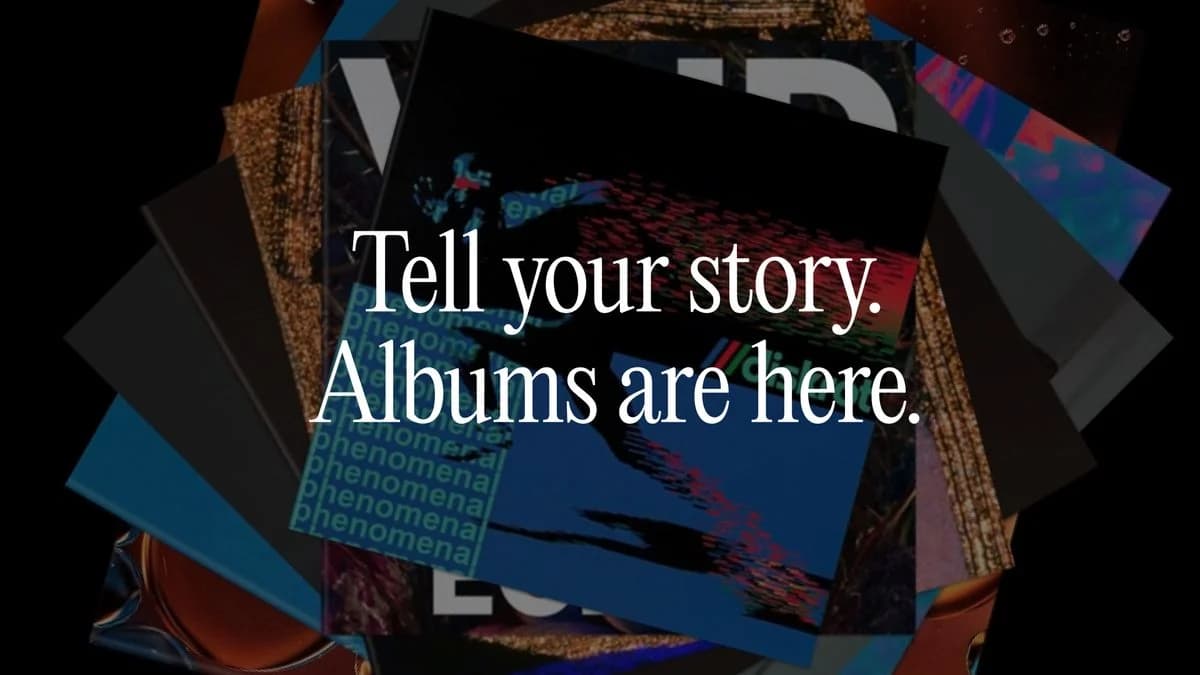
You have three finished songs and several rough versions. The hard part is deciding what listeners should hear together. Suno’s October 5, 2026 Albums update gives that selection its own release page and sends followers a push notification when you publish. The release notes list web, iOS and Android. We checked the sources on October 6. Suno’s announcement.
This changes how you present existing work, rather than introducing a new generation model. Our reading: a coherent small release can give a listener a clearer starting point than a library full of experiments.
Check the rough versions before you hit Publish
An album contains your own songs. Suno’s FAQ says publishing it also publishes any included songs that were previously unpublished. You can later reorder tracks and change album details, but do not treat the first release as a private preview. Album rules.
For feedback first, Suno supports sharing the draft album’s link. Publication places the release on your profile; wider featuring is a possibility, not guaranteed promotion. Publishing and sharing.
Here is a proposed editorial check, not a test we ran: listen to the opening, the transition between each track and the ending. If a rough alternate breaks the mood, remove it from the proposed release. A smaller collection with a clear arc is easier to introduce: “Start here; these songs belong together.” The notification gives people an invitation, not a reason to stay by itself.
Your playlist can be a starting point
The playlist action menu offers Make Album from Playlist. Suno says the original playlist remains intact, and only your own songs can enter the album. Migration instructions.
Alternatively, start in Library → Albums → New Album, then supply the artwork, title, description and LP or EP label. Creation instructions.
Publishing inside Suno does not by itself establish permission to sell a track elsewhere. Its current Free plan lists no commercial rights; the checked album notes do not establish a separate album fee or new commercial entitlement. Plan conditions.
Next action: assemble a short draft, share it for feedback, then audit the included tracks before publishing. For the separate task of making spoken audio, read our Suno Speech beta coverage. For polishing narration, the Descript guide explains a different editing workflow.
Common questions
Questions people ask.
- Can a Suno album include songs by other artists?
- No. Suno’s album FAQ says albums can contain only songs you created; playlists can include multiple artists.
- Does publishing an album leave its draft songs private?
- No. Suno says publishing the album also publishes any unpublished songs included in it.
Sources & freshness
This article was refreshed on 6 Oct 2026 using the sources below. A source check verifies published information, not output quality or checkout availability in every region.
- suno.com/release-notes/albums
- help.suno.com/en/articles/14227009
- help.suno.com/en/articles/14227585
- help.suno.com/en/articles/14227457
- help.suno.com/en/articles/14227201
- suno.com/pricing
What changed: New coverage of the October 5 album release workflow, draft-publication consequence and playlist migration.
Found a correction? Let us know.