
Comparisons · 5 min read
Runway vs Pika: Current Credits, Plans and Commercial Use
Runway vs Pika on current subscriptions, credit allowances, commercial-use limits and generation workflow, with a practical way to compare accepted shots.
Affiliate disclosure: Some links may earn CreatorStack a commission at no extra cost to you.
At a glance
Choose between Runway and Pika by testing the shots you need and checking the license on the plan you would buy. Both now present broader generation platforms. The old shorthand of professional Runway versus a cheaper effects toy does not capture the current offers.
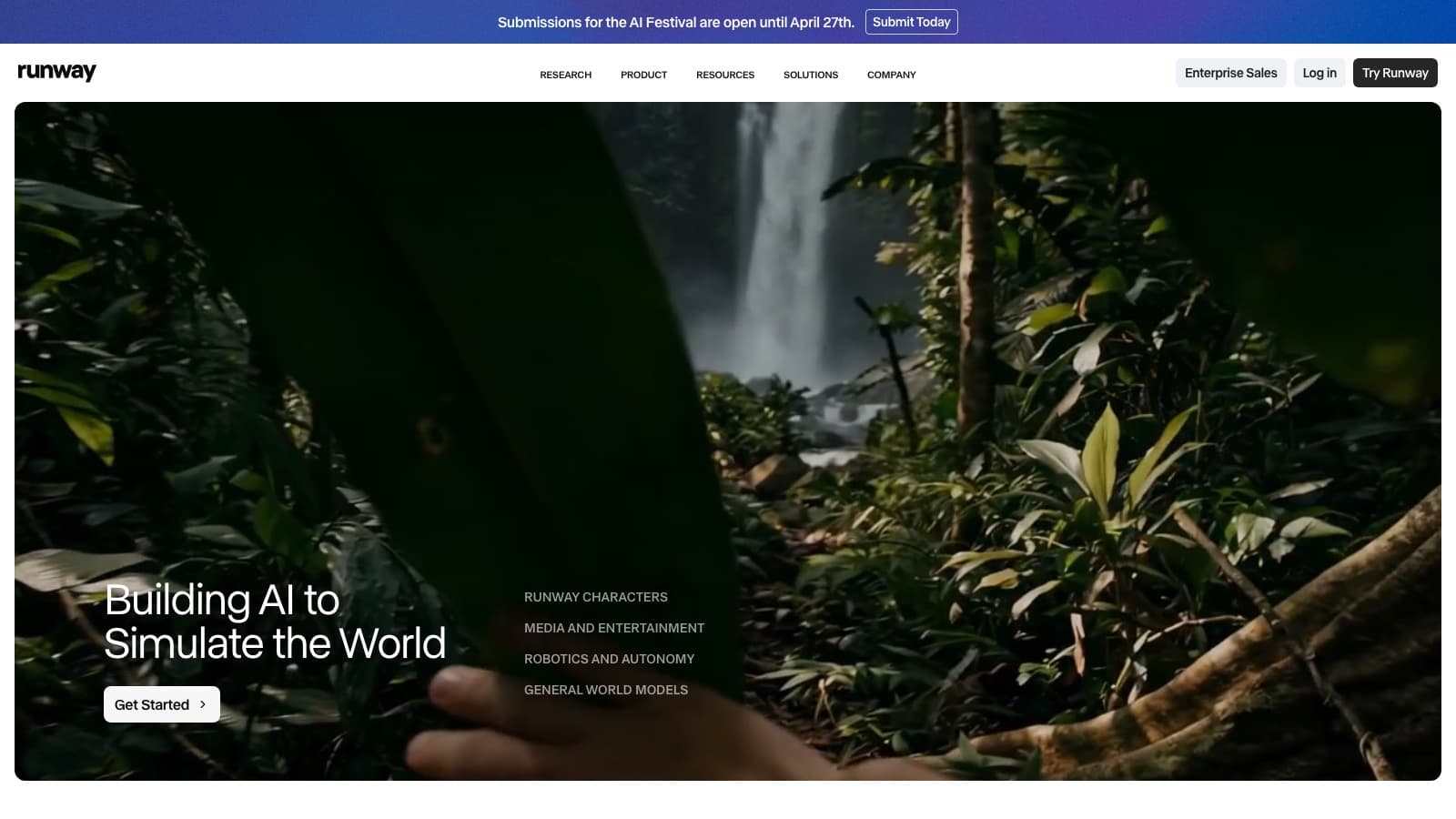
Choose between Runway and Pika by testing the shots you need and checking the license on the plan you would buy. Both now present broader generation platforms. The old shorthand of professional Runway versus a cheaper effects toy does not capture the current offers.
At a glance
| Decision | Runway | Pika |
|---|---|---|
| Free allowance | 125 one-time credits | No recurring credits; packs only |
| Entry monthly subscription | Standard: $15 | Starter: $10 |
| Entry monthly credits | 625 | 900 |
| Commercial-use distinction | Verify terms for intended use | Starter excludes commercial license; Creator includes it |
| Higher individual plan | Max: $95/month | Fancy starts at $95/month |
Sources: Runway plan information; Pika plan information. Prices in the monthly column mean monthly billing.
When Runway fits
Runway Standard includes video and image model access, watermark removal and 4K upscaling. Pro adds items such as a custom voice clone; Max lists output options including HDR and ProRes. If the deliverable has a specific finishing requirement, verify the format before comparing generation results. Runway pricing.
The current individual page lists Standard, Pro and Max rather than Unlimited. Do not base a new purchase on old promises of an Unlimited plan’s Explore Mode. See the Runway review for the current allowances.
When Pika fits
Pika’s current pricing lists video, image and audio model access. Its Starter is $10 monthly with 900 credits, but it excludes a commercial license. Creator is $35 monthly with 3,150 credits and includes one. That difference is material for a commercial project even though all listed plans advertise no watermark. Pika pricing.
Fancy starts at $95 monthly with 8,550 credits; higher tiers cost more. Its unlimited parallel generations describe concurrency, not unlimited free generation. The credit budget still needs to cover what you create.
Compare the real commitment
Runway Standard is $144 per year at the displayed $12 monthly annual equivalent. Pika Starter is $96 per year at $8 equivalent, but its missing commercial license remains relevant. Pika Creator and Runway Pro each have a computed $336 annual total at $28 equivalent. Matching prices do not imply matching output capacity.
Runway and Pika credits are different units with model-dependent costs. Record the settings and credits for each attempt, then calculate your own cost per accepted shot. This comparison does not apply a universal rejection percentage or promise a number of finished minutes.
Compare one shot that has to survive an edit
Use this illustrative brief: a five-second close-up of a plain ceramic mug on a desk, with steam rising and a slow camera move toward the handle. The mug must keep its shape; the handle must remain attached; the desk must not acquire writing. The final video uses only the middle three seconds, between two real product shots.
Start with the same authorised reference image where the selected models support it. In both services, name the model, duration and resolution in your project notes. Runway and Pika are platform subscriptions with multiple models, so “the Runway result” is not a reproducible description. A change of model can change both the output and the credit charge.
Render a first attempt, then inspect the handle at the beginning, middle and end. Play the shot between the real footage. If the camera movement jumps at the cut, a beautiful standalone clip still fails the assignment. Change one instruction at a time: first reduce motion, then simplify the background if necessary. Rewriting the whole prompt on every attempt makes it harder to learn what fixed the problem.
Budget attempts before buying more capacity
Runway's current table lists Gen-4.5 at 60 credits per five-second generation. Under that specific rate, a deliberately chosen budget of three attempts for each of three shots uses 540 credits: 3 × 3 × 60. Standard's 625-credit monthly allowance would leave 85 credits before other generation. That is a planning example, not a prediction that three attempts will succeed. Runway's model-rate table.
For Pika, look up the selected model's charge in the generation workflow and apply the same nine-attempt budget. Its 900 Starter credits cannot be compared numerically with Runway's 625. For this commercial project, Starter is also disqualified by the commercial-license row; evaluate Creator or another qualifying arrangement instead.
Stop when the agreed attempt budget is exhausted. The fallback for this mug shot is a real close-up or a still with a modest camera move in the editor. Retain the successful prompt and source image, but do not assume they guarantee identical results on a different model.
Runway is the first candidate when its documented export formats or the verified model rate fit the job. Pika becomes the choice when a model on a commercially eligible plan gives you the accepted shot at a better total commitment. The recommendation reverses on the deliverable and observed revision cost, not on an assumed realism hierarchy.
Where to go next
Read the Runway review or view Runway. For Pika, use the official pricing page.
Frequently asked questions
Is Pika Starter licensed for commercial use?
The current pricing table says no. It lists commercial licensing on Creator and Fancy, while all listed plans advertise no watermark.
Does Runway still list Unlimited?
The current individual pricing page inspected for this refresh lists Free, Standard, Pro and Max.
Can I compare the number of credits directly?
No. Credits are service-specific and model costs differ. Compare the cost of an accepted shot using the settings you need.
Which produces more realistic footage?
This research did not run a controlled output test. Use the same shot brief and acceptance criteria to assess the models available on your intended plans.
Sources & freshness
This article was refreshed on 29 Sept 2026 using the sources below. A source check verifies published information, not output quality or checkout availability in every region.
Found a correction? Let us know.